

IPTV Free Trial – Test Inline IPTV for 24 Hours
Try our IPTV free trial on your own TV, phone or streaming stick before you pay anything. Check the live channels, the movies and series library, the program guide and the picture quality at home – then choose a plan only if you like it.
- No payment, no card
- Trial details usually the same day
- Free setup help
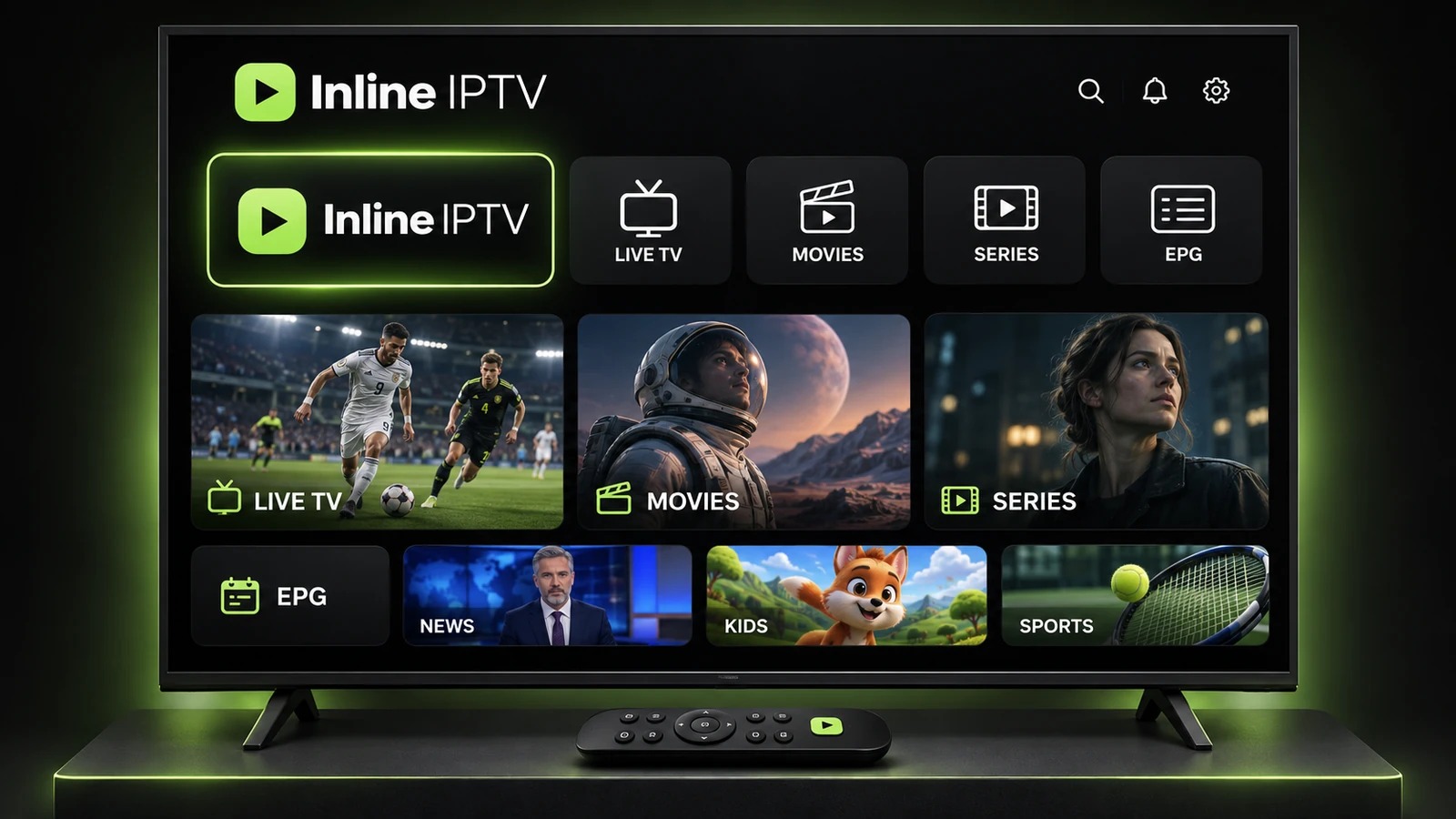
Get Your IPTV Free Trial in 3 Steps
It takes about a minute to request your trial. A real person prepares it and sends you everything you need.
Fill in the form
Tell us your name, email and the device you want to test on. The player app is optional.
Receive your login
We email your trial login with simple setup steps for your device – usually the same day.
Watch for 24 hours
Test channels, movies, series and the guide. If you like it, choose a plan and keep the same app.
What to Test During Your IPTV Free Trial
24 hours is plenty of time if you know what to check. Use this list to decide with confidence.
Picture quality
Watch a few channels in HD and in 4K where available, on the TV you use every day.
Program guide
Open the EPG and check what is on now and next on the channels you watch most.
Movies & series
Browse the on-demand library and start a film to see how quickly it loads.
Evening streaming
Watch at your busiest time of day, when your home network is under the most load.
Your player app
Try the app on your device. If you do not like it, ask us for another one that suits it.
Our support
Send us a question during your trial and see how fast and clearly we answer.
IPTV Free Trial vs Paid Plan
The trial gives you the same service as a plan, for a short time and on one device.
| Free trial | Paid plan | |
|---|---|---|
| Price | Freeno payment, no card | From $34.99$7.50 / month on 12 months |
| Duration | 24 hours | 3, 6 or 12 months |
| Devices at once | 1 device | 1, 2 or 3 devices |
| Live TV, movies & series | Included | Included |
| Program guide (EPG) | Included | Included |
| Setup help | Included | Included, every day |
Liked It? Choose Your Plan
Keep the same app and settings – we simply send your new login. Prices for 1 device; see 2 and 3 devices on our IPTV subscription plans page.
- No payment needed to place an order
- Login details by email
- Compare 1, 2 and 3 devices
Why Start With an IPTV Free Trial?
Every home is different. The same IPTV service can look perfect on one connection and need a small tweak on another, so the only honest test is the one you run yourself. An IPTV free trial lets you check the service on your own internet, your own TV and the player app you plan to use, without paying or sharing any card details.
It also answers the practical questions you may have before you buy an IPTV subscription: Does the app work on my TV? How quickly do channels change? Is the program guide complete for the channels I watch? Does the picture hold up in the evening? After 24 hours you will know.
Setting Up Your Free Trial
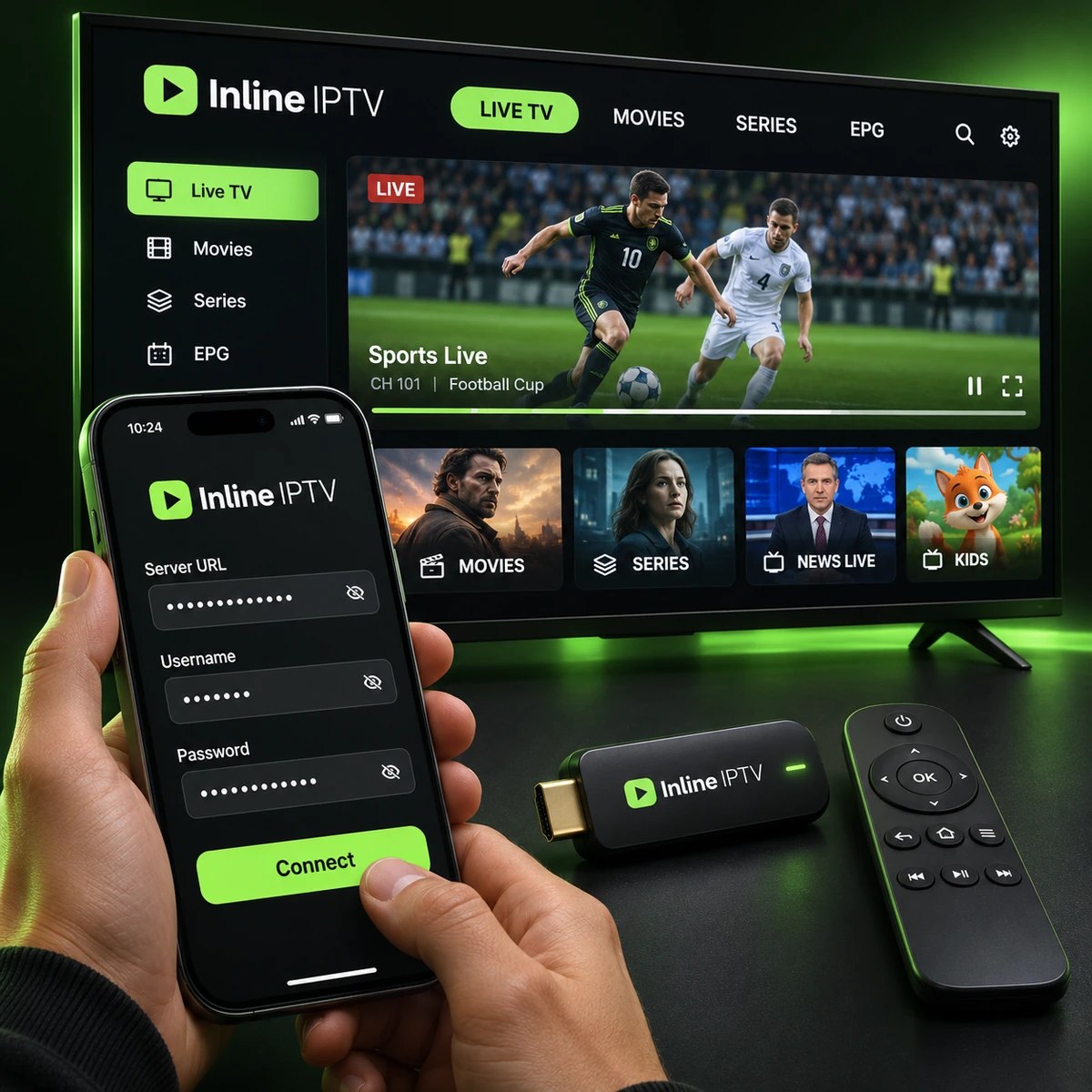
When your trial is ready, we email you a login for a player app. Most people use Xtream Codes, which loads your channels, the on-demand library and the program guide automatically. If your app prefers an M3U playlist, we send that link instead.
- Install a player app from your device's official app store, for example IPTV Smarters or TiviMate.
- Add your trial login – the server, username and password from our email.
- Wait a minute while the app loads the channel list and the guide.
- Start watching and test the points in the checklist above.
Our step-by-step guides help on the most popular devices: IPTV on Firestick, IPTV on Samsung and LG Smart TVs and how the EPG program guide works.
Tips for a Fair Test
- Test on your main TV. That is where you will watch most, so it matters most.
- Use a cable if you can. An Ethernet cable is usually more stable than Wi-Fi, especially for 4K.
- Check your speed. Aim for about 10 Mbps for HD and 25 Mbps for 4K. You can test it with Speedtest by Ookla on the device you watch on.
- Watch at peak time. Evenings are when home networks are busiest, so test then too.
- Ask us anything. If something does not look right, message us during the trial – we often fix it in minutes.
Free Trial on Every Device
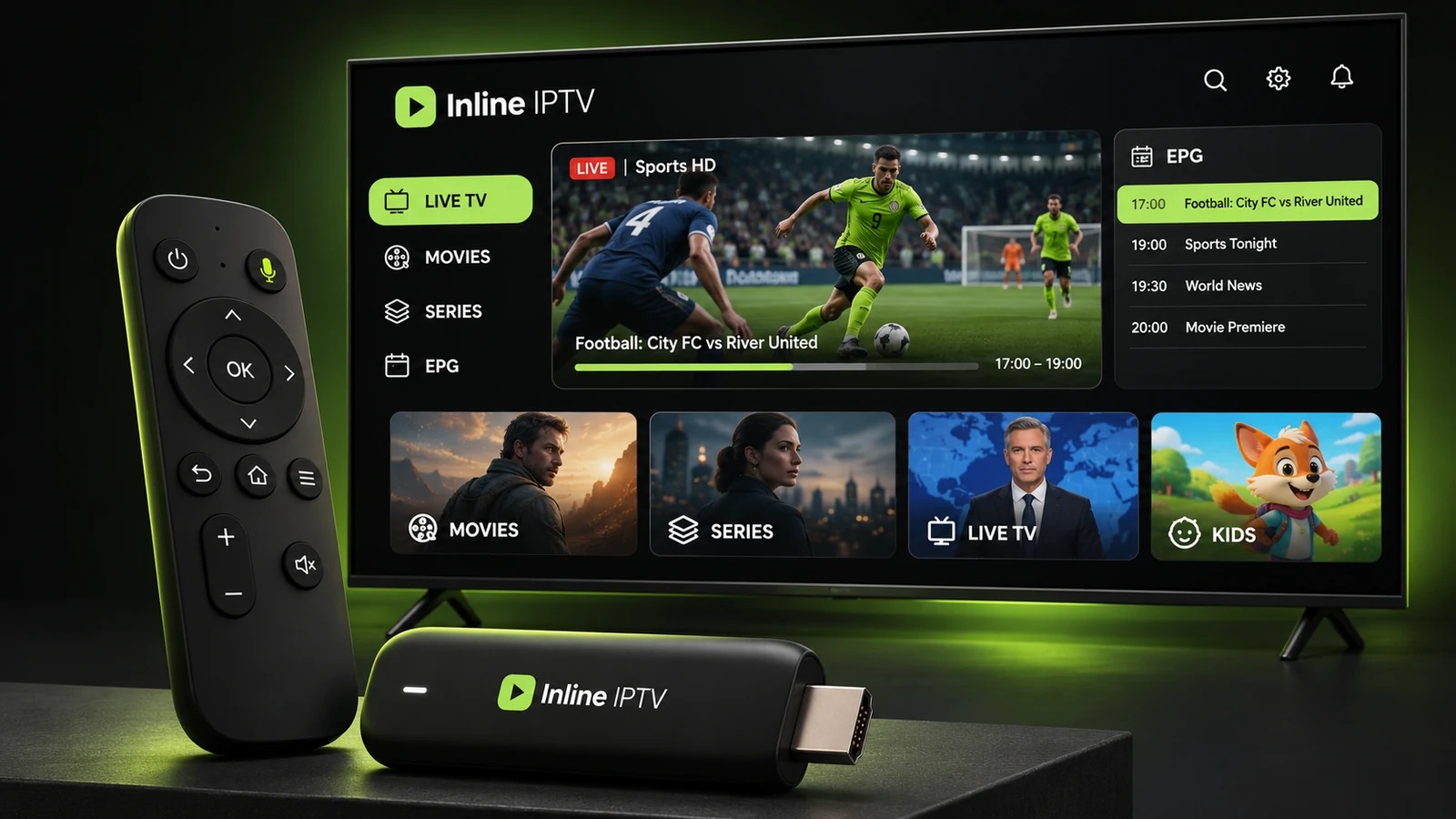
You can run your IPTV free trial on almost any modern streaming device. Tell us which one you use in the form, and we send instructions that match it.
Firestick and Android TV
The most popular choice. Install a player app, add your trial login and you are watching in a few minutes.
Samsung and LG Smart TVs
Use a player from the TV's own app store. Some apps link your login through their website using a device ID – we explain each step.
iPhone, iPad and Android phones
Great for testing on the go, and a quick way to check that your login works before you set up the TV.
MAG boxes and computers
MAG boxes use a portal address, and computers use a desktop player app. Tell us your model and we prepare the right access.
Is an IPTV Free Trial Safe?
A trustworthy IPTV free trial should never ask for more than it needs. Ours only asks for your name, an email address and the device you want to test on. You do not create a payment account, you do not enter card details and nothing renews when the 24 hours are over.
- No payment details. We will never ask for your card or bank details to start a trial.
- Official apps only. Install player apps from your device's official app store, not from unknown websites.
- Your data stays private. We use your email only to send your trial and answer your questions. Read our privacy policy for the details.
- Clear rules. The trial follows the same terms and conditions as our paid plans.
If a provider asks you to pay a "small fee" for a trial, or pushes you to buy before you have tested anything, take it as a warning sign. A real IPTV free trial is free.
Common Free Trial Problems and Quick Fixes
Most trials work the first time. If something does not, these quick checks solve the majority of issues in a few minutes.
The app says the login is wrong
Copy the server address, username and password exactly as they appear in our email. Extra spaces at the start or end are the most common cause. If you use an M3U link, make sure you pasted the whole link.
Channels load slowly or buffer
Restart your router and your streaming device, then try again. If the problem continues, connect with an Ethernet cable or move closer to the router. A speed test on the same device tells you whether your connection is fast enough for HD or 4K.
The program guide is empty
Open the app settings and refresh the EPG, then wait a minute. Check that the date, time and time zone on your device are correct. With Xtream Codes, the guide normally loads automatically.
"Maximum connections" message
The trial works on one device at a time. Close the app on any other phone, TV or tablet where you added the login, wait a minute and try again.
The app does not open or crashes
Update the app to the latest version, or clear its cache in your device settings. If it still does not work, tell us your device model and we will suggest another player that runs well on it.
How to Choose a Plan After Your Free Trial
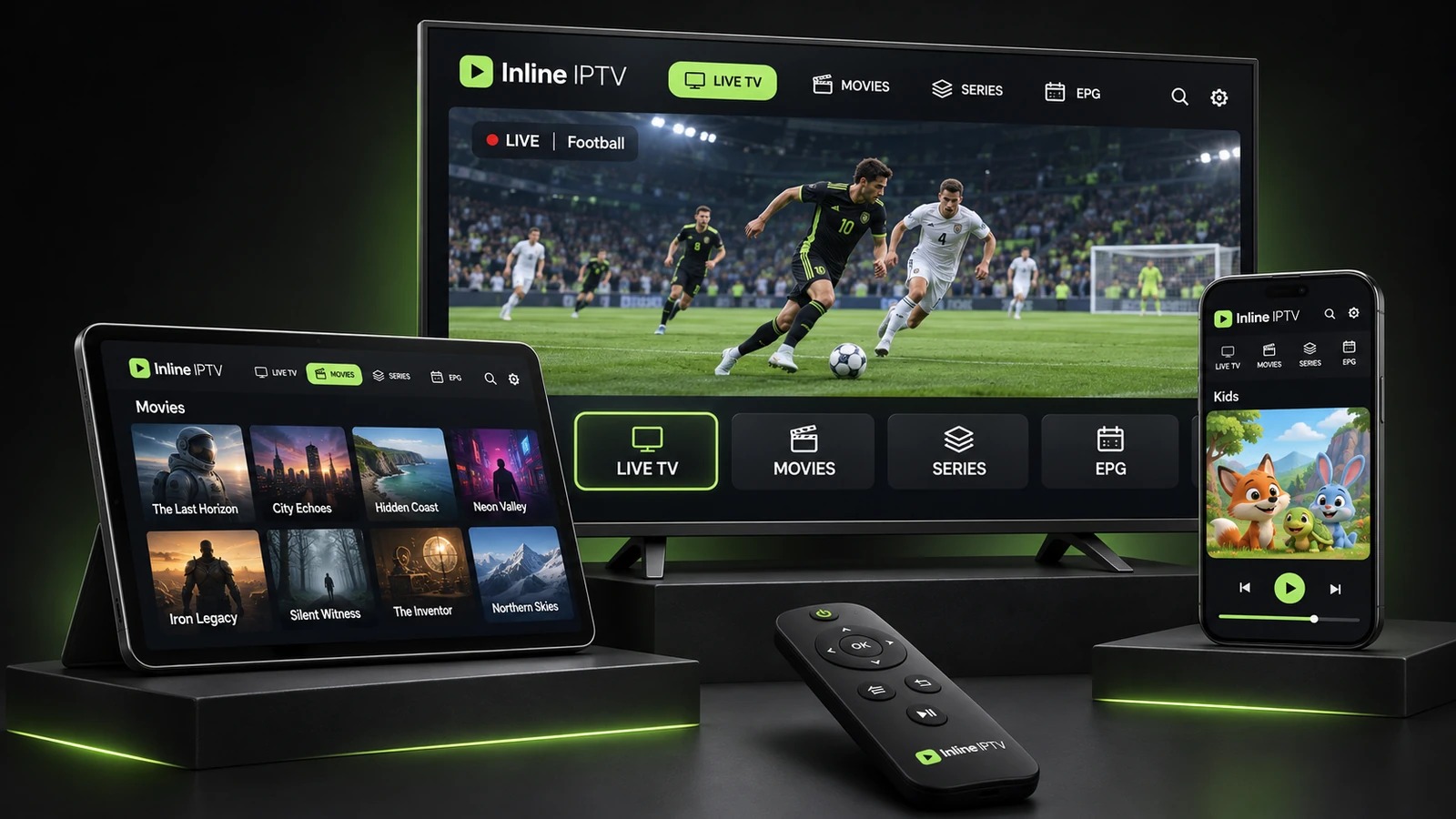
Your trial is the best moment to plan your subscription, because you already know how the service performs in your home. Two simple questions decide the right plan.
How many screens watch at the same time?
Count the devices that stream at once on a busy evening. One person or one main TV needs 1 device. A couple watching in different rooms needs 2 devices. A family with several screens usually needs 3 devices. You can install the app on more devices than that – the number only limits how many stream at the same moment.
How long do you want to watch?
The 3-month plan is a good next step after the trial if you want a short commitment. The 6-month plan is our most popular choice and costs less per month. The 12-month plan has the lowest monthly price, $7.50 on one device, and you only renew once a year. None of the plans renew automatically.
Still unsure? Tell us how you watch and we will recommend a plan – there is no pressure to buy.
Who the IPTV Free Trial Is For
- People switching from cable or satellite who want to see if streaming over the internet works in their home.
- Firestick and Smart TV owners who want to check that a player app runs smoothly on their device.
- Families who want to test the channel list, the guide and the movie library before choosing a multi-device plan.
- Anyone who had a bad experience with another provider and wants proof before paying again.
If you are a shop or installer looking to offer IPTV to your own customers, see our IPTV reseller program instead – resellers get trial lines for their prospects.
IPTV Free Trial vs "Free IPTV" Apps
You may see apps and websites that promise free IPTV forever. They are not the same as an IPTV free trial from a real provider. Free lists found online are often unstable, disappear without warning, show no program guide and give you nobody to ask when something breaks. Some of them are also unsafe to install or simply not legal to use.
A free trial works differently. It is a short, controlled test of a paid service, given to you by a provider that has to keep its customers happy. You get the same servers, the same app setup and the same support you would have on a plan – just for 24 hours. That is why it tells you far more about the quality you will actually get.
- Stable source. The trial uses the same servers as our paid plans, monitored around the clock.
- Complete guide. The EPG works during the trial, so you can judge the full experience.
- Real support. If something does not work, a person helps you on email, WhatsApp or Telegram.
- Clear next step. When the trial ends you can choose a plan, or simply walk away with nothing to cancel.
In short, a proper IPTV free trial is the safest way to test streaming TV at home before you commit.
What Happens After the Trial
Your trial simply ends after 24 hours – there is nothing to cancel and nothing is charged. If you enjoyed it, choose one of our plans above or on the pricing page. You keep the same player app; we just send your new login after payment is confirmed. If the trial was not right for you, tell us why – your feedback helps us improve.
Whatever you decide, thank you for testing Inline IPTV. We want every customer to start with confidence, which is why the IPTV free trial is open to everyone, with no strings attached and no pressure to buy.
IPTV Free Trial FAQ
Quick answers about the trial. More questions? Visit our IPTV FAQ or contact us.
Is the IPTV free trial really free?
Yes. The trial is completely free. We do not ask for payment or card details, and nothing is charged when it ends.
How long does the free trial last?
The trial gives you 24 hours of full access on one device, starting when we send your login.
How fast will I receive my trial?
A real person prepares each trial. We usually send it the same day, by email.
Which devices can I use for the trial?
Smart TVs, Firestick, Android TV boxes, iPhone, iPad, Android phones, MAG boxes and Windows or Mac computers with a compatible player app.
Can I get more than one free trial?
The trial is one per person, so we can offer it fairly to everyone. If you need more time to decide, contact us and tell us why.
Do I need to cancel the trial?
No. The trial ends automatically after 24 hours. There is no subscription to cancel.
What if the trial does not work on my device?
Message us on WhatsApp, Telegram or through our contact page. We help you set it up or suggest another app.
Can I keep my app after the trial?
Yes. When you choose a plan, we send your new login and you add it to the same app.