

IPTV Subscription Plans & Pricing
Choose the IPTV subscription that fits your home: 3, 6 or 12 months for 1, 2 or 3 devices. Every plan streams live TV, movies and series in HD and 4K where available, with the program guide, M3U and Xtream Codes login and setup help included.
- No contract, no auto-renewal
- Login by email after payment
- Support every day
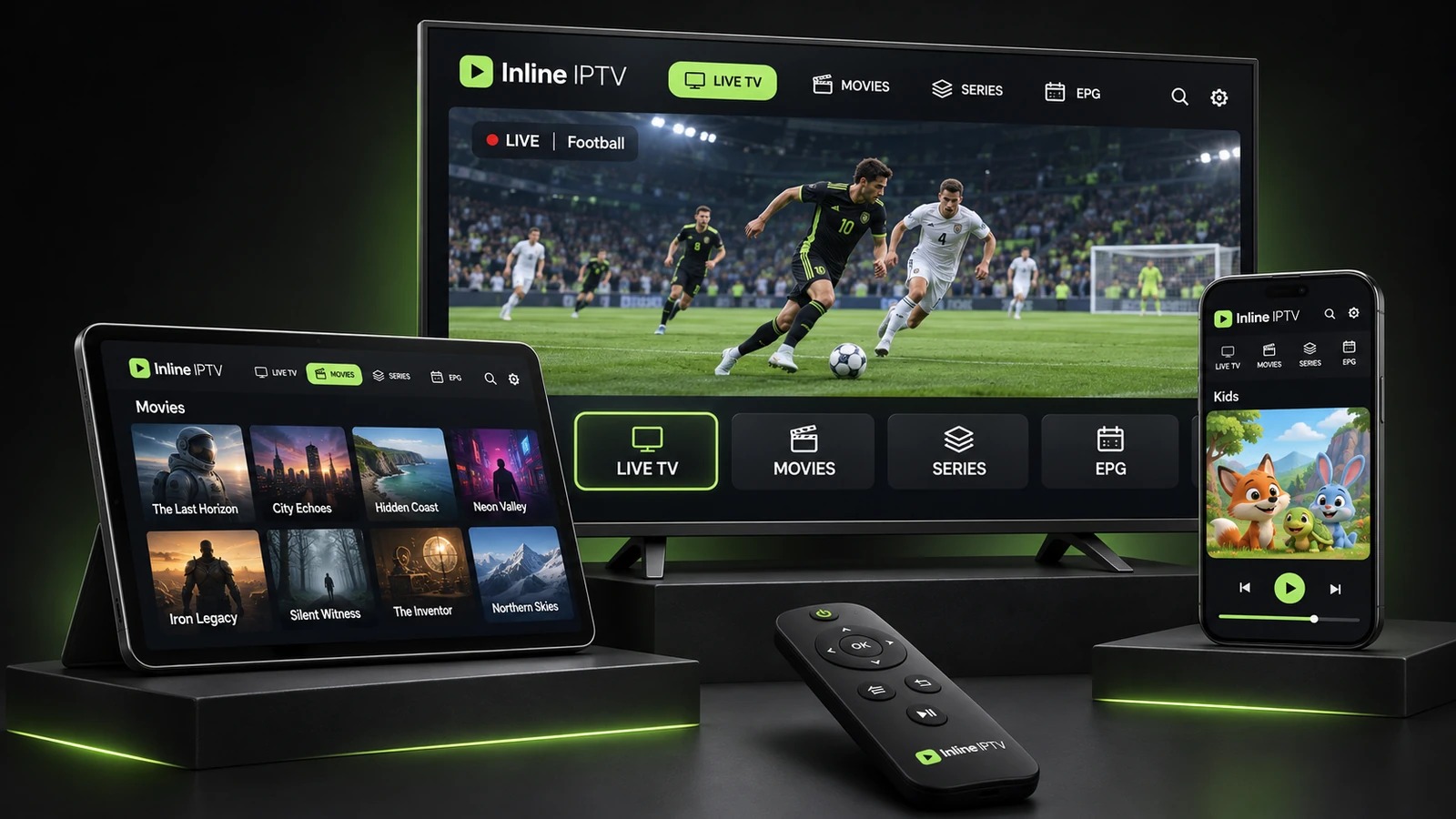
Choose Your IPTV Subscription Plan
Pick how long you want to watch and how many screens can stream at the same time. Longer plans cost less per month.
3 Months
IPTV subscription · 1 device
$11.66 per month
Get 3 Months- 1 device at the same time
- Live TV & on-demand library
- HD & 4K where available
- Program guide (EPG)
- M3U & Xtream Codes login
- Setup help every day
6 Months
IPTV subscription · 1 device
$9.17 per month · save 21%
Get 6 Months- 1 device at the same time
- Live TV & on-demand library
- HD & 4K where available
- Program guide (EPG)
- M3U & Xtream Codes login
- Setup help every day
12 Months
IPTV subscription · 1 device
$7.50 per month · save 36%
Get 12 Months- 1 device at the same time
- Live TV & on-demand library
- HD & 4K where available
- Program guide (EPG)
- M3U & Xtream Codes login
- Setup help every day
3 Months
IPTV subscription · 2 devices
$17.50 per month
Get 3 Months- 2 devices at the same time
- Live TV & on-demand library
- HD & 4K where available
- Program guide (EPG)
- M3U & Xtream Codes login
- Setup help every day
6 Months
IPTV subscription · 2 devices
$13.75 per month · save 21%
Get 6 Months- 2 devices at the same time
- Live TV & on-demand library
- HD & 4K where available
- Program guide (EPG)
- M3U & Xtream Codes login
- Setup help every day
12 Months
IPTV subscription · 2 devices
$11.25 per month · save 36%
Get 12 Months- 2 devices at the same time
- Live TV & on-demand library
- HD & 4K where available
- Program guide (EPG)
- M3U & Xtream Codes login
- Setup help every day
3 Months
IPTV subscription · 3 devices
$21.66 per month
Get 3 Months- 3 devices at the same time
- Live TV & on-demand library
- HD & 4K where available
- Program guide (EPG)
- M3U & Xtream Codes login
- Setup help every day
6 Months
IPTV subscription · 3 devices
$16.67 per month · save 23%
Get 6 Months- 3 devices at the same time
- Live TV & on-demand library
- HD & 4K where available
- Program guide (EPG)
- M3U & Xtream Codes login
- Setup help every day
12 Months
IPTV subscription · 3 devices
$13.33 per month · save 38%
Get 12 Months- 3 devices at the same time
- Live TV & on-demand library
- HD & 4K where available
- Program guide (EPG)
- M3U & Xtream Codes login
- Setup help every day
- No payment needed to place an order
- Login details by email
- Free 24-hour trial
- Refund policy
What Every IPTV Subscription Includes
The plan length and the number of devices are the only things you choose. Everything below comes with every Inline IPTV subscription.
Live TV channels
Stream live channels with the program guide, so you always know what is on now and next.
Movies & series library
An on-demand library of movies and series in the same app as your live channels.
HD & 4K quality
Sharp HD on every plan and 4K where the channel offers it and your connection allows.
Works on your devices
Smart TVs, Firestick, Android TV, iPhone, iPad, MAG boxes and computers.
M3U & Xtream Codes
One login that works in popular player apps such as IPTV Smarters, TiviMate and IBO Player.
Setup help every day
Real people answer by email, WhatsApp and Telegram and send step-by-step instructions for your device.
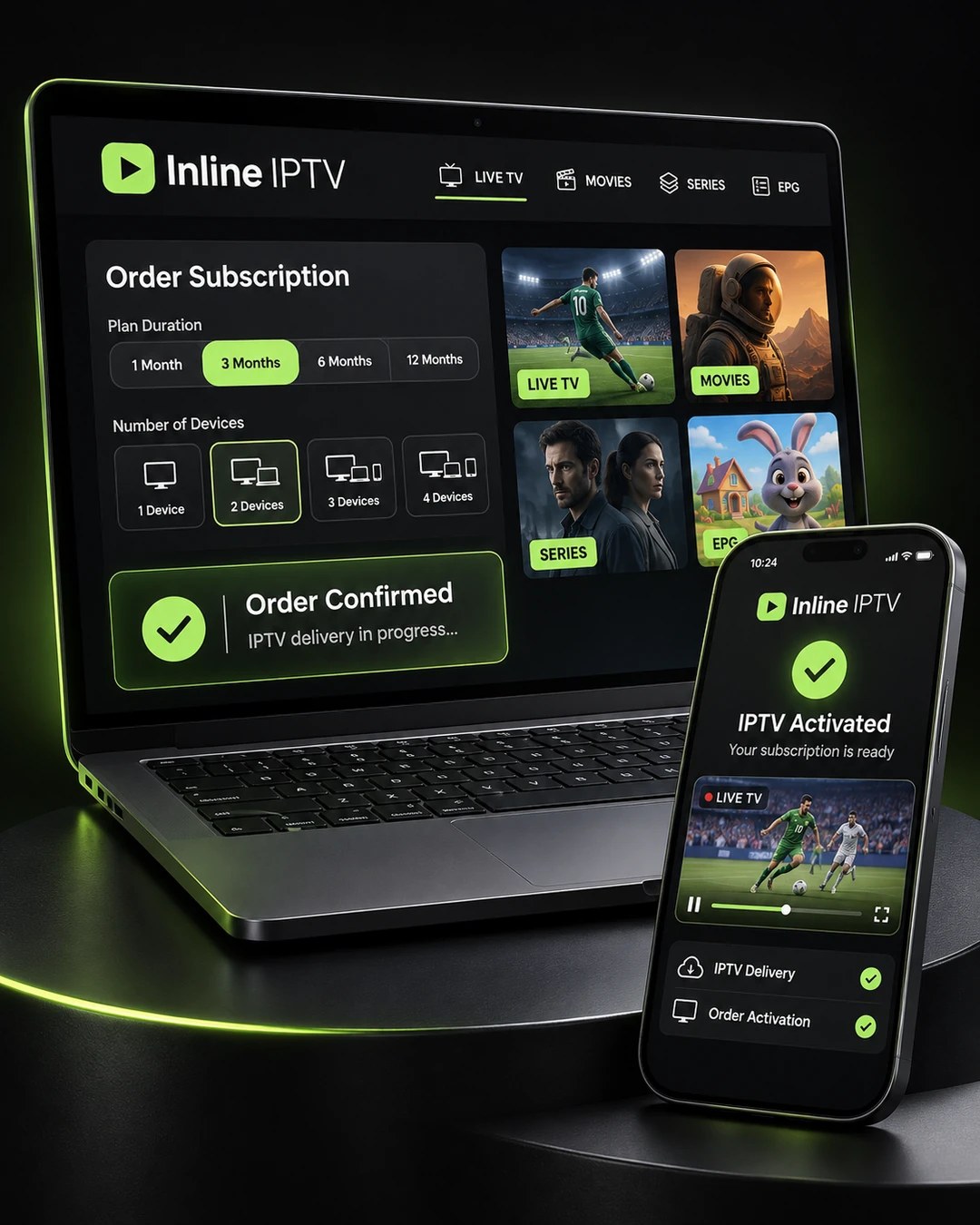
Get Started in 3 Simple Steps
- Choose a planPick 3, 6 or 12 months and 1, 2 or 3 devices, then press the order button.
- Get your loginWe email the payment details, and your M3U or Xtream Codes login as soon as payment is confirmed – usually within a couple of hours.
- Start watchingInstall a player app, follow our setup guide for your device and enjoy live TV and on-demand.
IPTV Subscription Prices Compared
All prices are in US dollars and paid once for the whole period. There are no setup fees and no hidden extras. Adding devices costs less than buying a second separate subscription.
| Plan | 1 device | 2 devices | 3 devices |
|---|---|---|---|
| 3 months | $34.99$11.66 / month | $52.49$17.50 / month | $64.99$21.66 / month |
| 6 months Popular | $54.99$9.17 / month | $82.49$13.75 / month | $99.99$16.67 / month |
| 12 months Best value | $89.99$7.50 / month | $134.99$11.25 / month | $159.99$13.33 / month |
IPTV Subscription Guide: How to Choose the Right Plan
An IPTV subscription gives you a personal login that lets a player app on your TV, stick, phone or computer stream live TV and on-demand video over your internet connection. With Inline IPTV you choose two things: how long the plan lasts (3, 6 or 12 months) and how many devices can watch at the same time (1, 2 or 3). Everything else – the program guide, HD and 4K where available, setup help and support – is included in every plan.
This guide explains each option in plain language, so you can pick the IPTV subscription that matches your home without paying for things you will not use.
Every Inline IPTV subscription includes the same channel list, the on-demand library and the program guide, so the only choices you make are how long you want to watch and how many screens you want to use at the same time.
What every IPTV subscription includes
- Live TV and on-demand library – stream channels and titles from the same app.
- HD and 4K where available – picture quality depends on the source and on your connection speed.
- Electronic program guide (EPG) – see what is on now and next. Read what an EPG is and how it works.
- M3U and Xtream Codes login – works with most popular IPTV player apps.
- Setup help every day – our team answers by email, WhatsApp and Telegram.
3, 6 or 12 months: which length is best for you?
The length of your IPTV subscription only changes the price and how often you renew. The service itself is the same on every plan.
- 3 months is a good first step if you want to use the service for a season before committing for longer.
- 6 months is our most popular choice. It costs less per month than the 3-month plan and still keeps your commitment short.
- 12 months is the best value. On one device it works out at $7.50 a month, and you only renew once a year.
Not sure yet? Ask for a free 24-hour trial and test the service on your own devices before you pay for anything.
1, 2 or 3 devices: how connections work
The number of devices is the number of screens that can stream at the same time. You can install the player app on as many devices as you like, but only the number of connections in your plan can watch at once.
- 1 device – one person or one main TV.
- 2 devices – for example, the living room TV and a phone or tablet.
- 3 devices – a family home where two or three people watch different things in different rooms.
If a fourth screen tries to start a stream while three are already playing, it will not load until one of the others stops. If you often need more screens, contact us and we will suggest the right setup.
What You Need Before You Subscribe
A stable internet connection
IPTV streams video over the internet, so your connection matters more than anything else. For comparison, Netflix lists at least 5 Mbps for HD and 15 Mbps for 4K in its recommended internet speeds. Live TV benefits from a little extra headroom, so plan for about 10 Mbps for one HD stream and 25 Mbps for 4K, then add more if several people watch at the same time.
You can test your speed at home before you order. Run the test on the device you will watch on, at the time of day you usually watch, because speeds can drop in the evening when many people are online.
A compatible device and player app
Your IPTV subscription works with most devices that can install an IPTV player app:
- Amazon Fire TV Stick and Fire TV – see our Firestick setup guide.
- Samsung and LG Smart TVs – see how to watch IPTV on Samsung and LG TVs.
- Android TV boxes, Android phones and tablets.
- iPhone, iPad and Apple TV.
- Windows and Mac computers.
- MAG boxes and other set-top boxes that support M3U playlists.
We do not sell or install apps. You choose a player app from your device's official app store, and we send you the login details to add to it.
How Your IPTV Subscription Is Activated
- Choose your plan. Pick the length and the number of devices, then press the order button.
- Send your details. Enter your name and email address. A phone number is optional and only used for faster WhatsApp support.
- Receive the payment details. We email you the payment instructions for your order.
- Get your login. Once payment is confirmed, we email your M3U link or Xtream Codes details with simple setup steps.
- Start watching. Add the login to your player app and you are ready.
Most orders are activated quickly once payment is confirmed. If anything is unclear, reply to our email and a real person will help you.
Renewals, Upgrades and Cancellations
Renewing your plan
Your IPTV subscription does not renew automatically. When your plan is close to ending, contact us to renew and choose the length you want. Your login details stay the same when you renew.
Adding devices or changing plan
You can move to a longer plan or add devices at renewal time. If you need more screens in the middle of a plan, contact us and we will explain the options for your account.
Cancelling and refunds
Because plans are paid once and do not renew automatically, there is nothing to cancel – you simply do not renew. If something does not work as described, read our refund policy and our terms and conditions, then contact us so we can help.
Using Your IPTV Subscription the Right Way
IPTV is a delivery technology: it simply means television delivered over an internet connection instead of satellite or cable. You can read more about how it works in the Wikipedia article on Internet Protocol television.
Your login is personal. Please do not share it outside your household, and use the service in line with the laws of your country and our terms. Sharing a login with other homes can also cause streams to stop, because the number of connections is limited by your plan.
Tips for the Best Streaming Quality
- Use a cable when you can. An Ethernet cable is usually faster and more stable than Wi-Fi, especially for 4K.
- Keep the router close. If you use Wi-Fi, place the router in the open and as close to the TV as possible, or use the 5 GHz band.
- Restart now and then. Turning your streaming device and router off and on again clears memory and fixes many small problems.
- Keep your app up to date. Player apps release updates that improve stability and fix bugs.
- Pick the right quality. If your connection is slow at certain times, choose the HD version of a channel instead of 4K.
- Avoid busy networks. Large downloads or game updates on the same network can slow down your stream.
IPTV Subscription vs Cable and Satellite
Traditional cable and satellite TV need a dish or a cable line, a box from the provider and often a long contract. An IPTV subscription only needs an internet connection and a device you probably already own. Here is how they compare:
- No installation. There is no dish to mount and no engineer visit. You add your login to an app and start watching.
- No long contract. You pay for 3, 6 or 12 months at a time, and the plan does not renew unless you choose to renew it.
- Watch on more screens. The same login works on your TV, phone, tablet and computer, within the number of devices in your plan.
- Depends on your internet. The one trade-off is that picture quality depends on your connection. A stable line makes all the difference.
If you already pay for fast home internet, an IPTV subscription is often the simplest way to bring live TV and on-demand video to every room.
Choosing a Player App for Your IPTV Subscription
The player app is the software you use to watch. It shows the channel list, the program guide and the on-demand library. Different apps suit different devices and tastes, so it is worth spending a few minutes choosing one you like.
What to look for in a player app
- Support for your login type. Xtream Codes logins are the easiest to set up and load the program guide automatically. M3U playlists work in almost every app.
- A clear program guide. A good EPG view makes it easy to see what is on now and later.
- Favourites and search. These save time when you have a long channel list.
- Regular updates. Apps that are updated often are usually more stable.
Popular choices by device
On Firestick and Android TV, many people use apps such as IPTV Smarters or TiviMate. On Samsung and LG TVs, apps like IBO Player and other players from the TV's own app store are common. On iPhone and iPad, choose a player from the App Store that supports Xtream Codes. If you are unsure, tell us your device when you order and we will recommend an app that works well with it.
Whichever app you pick, your IPTV subscription and login stay the same, so you can switch apps at any time without changing your plan.
IPTV Subscription Questions
Quick answers before you choose a plan. For more, read our full IPTV FAQ.
Can I try the service before I buy an IPTV subscription?
Yes. You can request a free 24-hour trial from our contact page. It lets you check picture quality and the player app on your own devices.
Which plan should I choose if I am not sure?
Start with the 6-month plan on the number of screens you use most evenings. It balances price and commitment, and you can move to a longer plan when you renew.
How fast is activation?
Your login details are sent by email after payment is confirmed, usually within a couple of hours.
How do I set up IPTV on my device?
Install a player app such as IPTV Smarters or TiviMate, add your Xtream Codes details or M3U playlist and start watching. We send step-by-step instructions for your device.
Which devices are supported?
Smart TVs, Firestick and Fire TV, Android TV boxes, Android phones and tablets, iPhone and iPad, MAG boxes and Windows or Mac computers.
Does the price include the player app?
No. Many player apps are free, and some charge a small one-time fee to their developer. We help you choose one that suits your device.
Can I watch outside my home?
Your login works wherever you have a good internet connection, as long as you stay within the number of devices in your plan and follow our terms. Availability of some channels can vary by region.
How do I get help?
Message us on WhatsApp +44 7988 577843 or Telegram @iptvplushelp, or use our contact page. A real person replies every day of the week.