

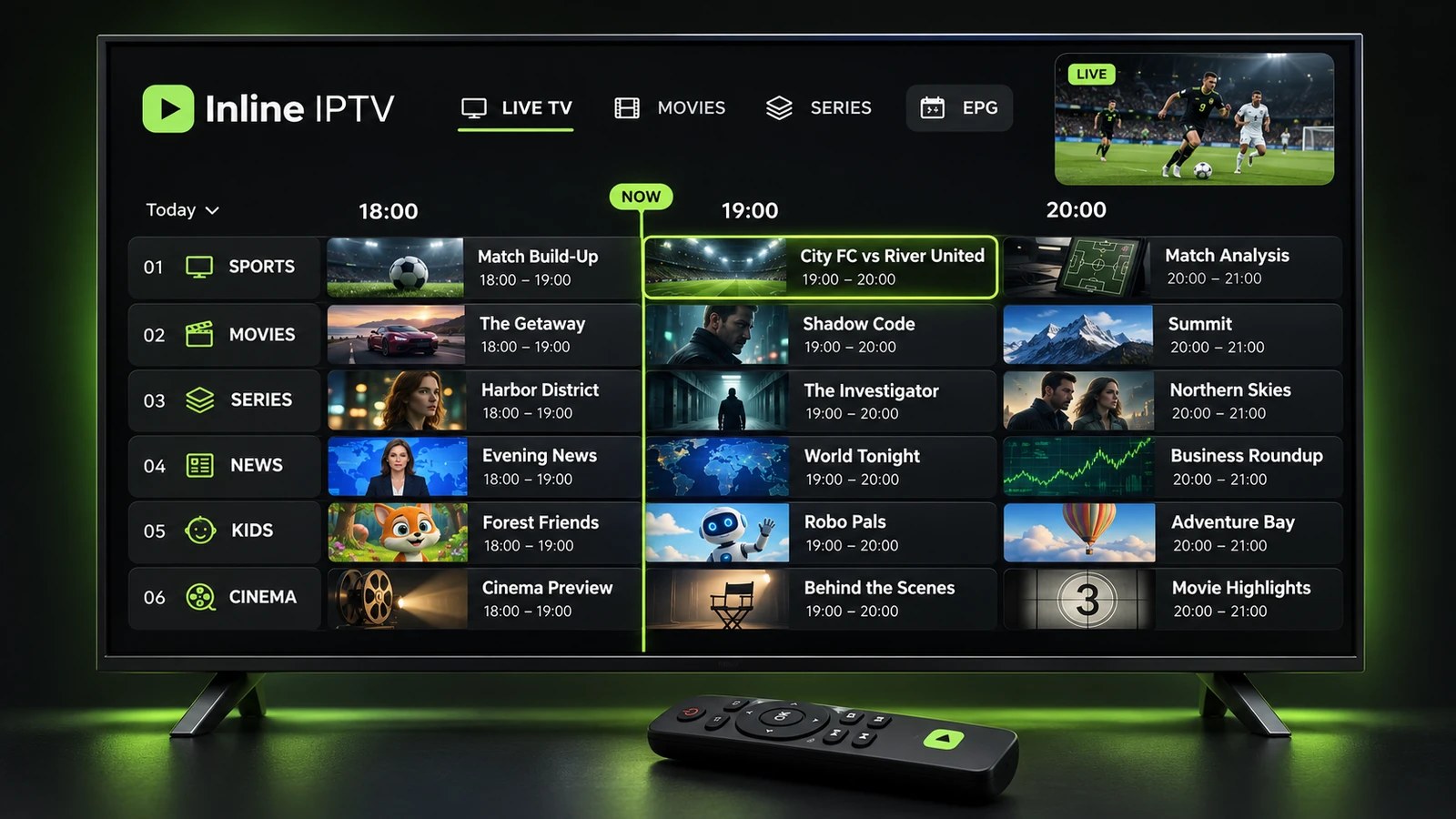
If you have used cable or satellite TV, you already know the program guide: the grid that shows what is on now and next on every channel. So what is EPG in IPTV? It is called the EPG, short for Electronic Program Guide. Here is how it works and how to get the most out of it with Inline IPTV.
Want to see the program guide for yourself? Start a free 24-hour IPTV trial and follow our IPTV setup guide to load the EPG on your device.
What does an EPG do?
- Shows the current and upcoming programs for each channel
- Lets you browse the schedule for the next hours or days
- Displays program titles, times and short descriptions
- Helps you find shows and set reminders in supported players
How IPTV players load the EPG
Most IPTV guides use a format called XMLTV – a file that lists programs, start and end times and the channel each one belongs to. When you log in with Xtream Codes, compatible players usually download the EPG automatically. With an M3U playlist, you may need to add a separate EPG URL in the player settings; we include it in your Inline IPTV welcome email.
The player matches each guide entry to a channel using an ID called tvg-id. When the IDs match, the guide shows up next to the right channel.
EPG and time zones
Guide times are stored in a standard time zone and converted by your player. If programs appear an hour early or late, open the player settings and adjust the EPG time shift or time zone option until the guide matches what is on screen.
Why is my EPG empty or wrong?
- The guide has not loaded yet – the first download can take a few minutes. Refresh the EPG in the player settings.
- Missing EPG URL – with M3U playlists, check that the EPG URL from your email is entered.
- Wrong times – adjust the EPG time shift or your device time zone.
- Some channels have no guide – a few channels may not provide schedule data; the stream still works normally.
Best players for a great program guide
Players such as TiviMate and IBO Player offer TV-style guide grids that are easy to browse with a remote. On phones and tablets, IPTV Smarters shows a clear list view. Read our Firestick setup guide or our Samsung and LG Smart TV guide for step-by-step instructions.
Every Inline IPTV plan includes the program guide. Compare our IPTV plans or browse more answers in the IPTV FAQ.
What Is EPG in Simple Words?
If you are wondering what is EPG, think of it as the TV listings magazine built into your screen. The electronic program guide shows which programs are on each channel, when they start and end, and a short description of each one. In IPTV, the EPG is delivered as data over the internet and displayed by your player app. You can read a general history of program guides in the Wikipedia article on electronic program guides.
- Now and next – see what is playing and what comes on next.
- Grid view – browse several hours of programs across many channels.
- Details – read titles, times and descriptions before you switch.
- Reminders and catch-up – some players use the guide to set reminders or open catch-up where available.
How the IPTV EPG Works Behind the Scenes
An IPTV EPG is usually published in the XMLTV format. The XMLTV project describes this format: a file that lists channels, programs, start and end times and descriptions. Your player downloads the file, matches each program to a channel in your playlist and draws the guide on screen.
- The player loads your playlist. It reads the list of channels from your Xtream Codes login or M3U link.
- The player loads the guide. With Xtream Codes, this usually happens automatically. With M3U, you may need to add an EPG URL.
- Channels are matched. Each channel in the playlist has an ID that links it to its listings in the guide.
- The guide is shown. You see the program grid, now-and-next info and descriptions.
Because the guide is a separate download, it can take a minute to appear the first time. After that, players refresh it in the background.
Xtream Codes vs M3U: What Is EPG Setup Like?
| Login type | IPTV EPG setup |
|---|---|
| Xtream Codes | Usually automatic – the guide loads with your channels |
| M3U playlist | May need a separate EPG URL in the player settings |
| Portal (MAG boxes) | Loaded by the portal automatically |
If you can choose, Xtream Codes is the easiest way to get a working IPTV EPG, because the player knows exactly where to find the guide for your account.
Best Players for the IPTV EPG
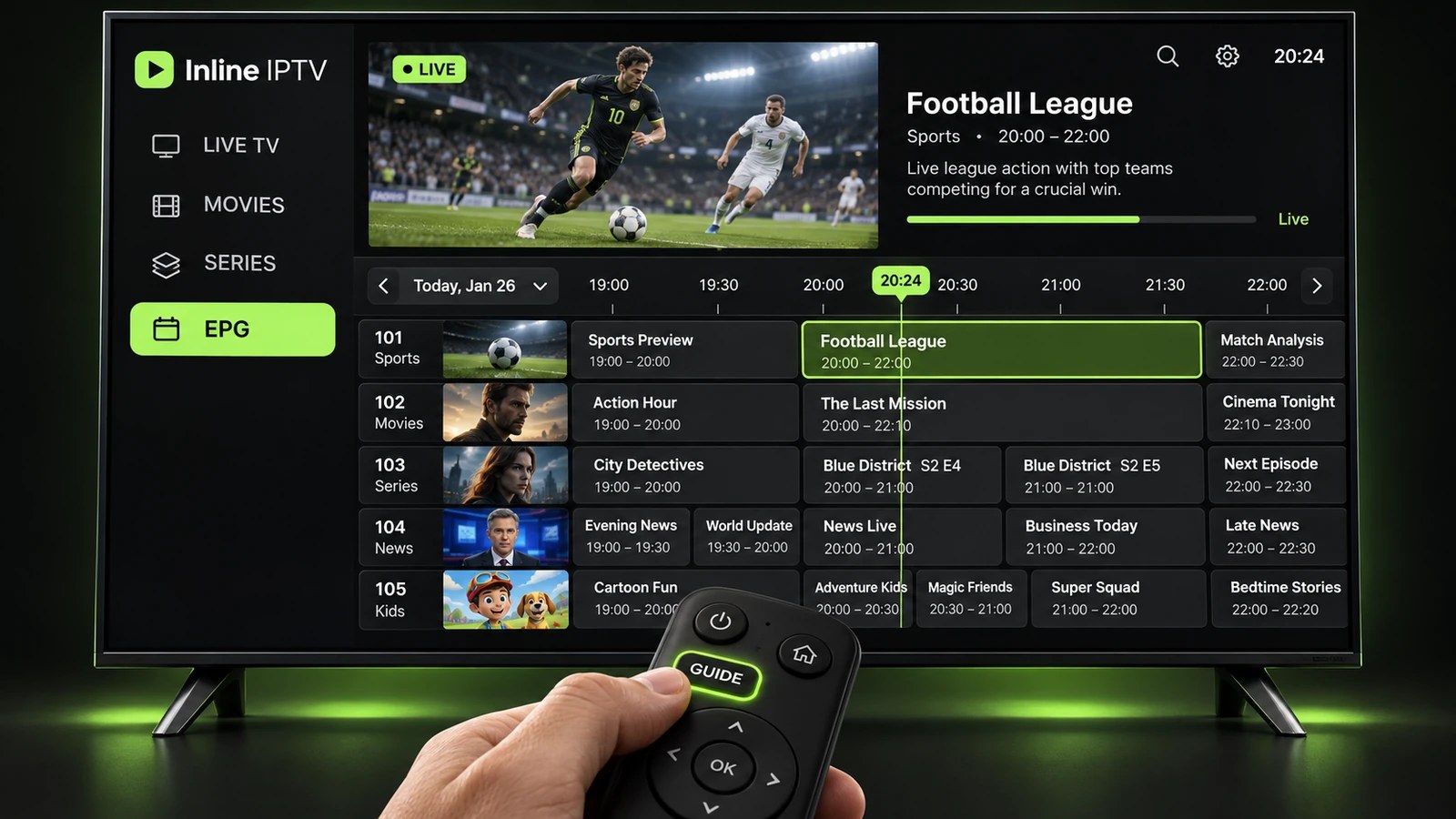
Every player shows the guide a little differently. When you compare apps, look at:
- Grid layout – a clear grid makes it easy to scan many channels at once.
- Speed – a good player scrolls the guide smoothly even with large channel lists.
- Time shift settings – an option to adjust the guide time if it does not match your time zone.
- Search – the ability to search programs by name across the guide.
Popular players on Firestick and Android TV are known for good guide views. See our Firestick setup guide and our Samsung and LG guide for device-specific tips.
Fixing IPTV EPG Problems
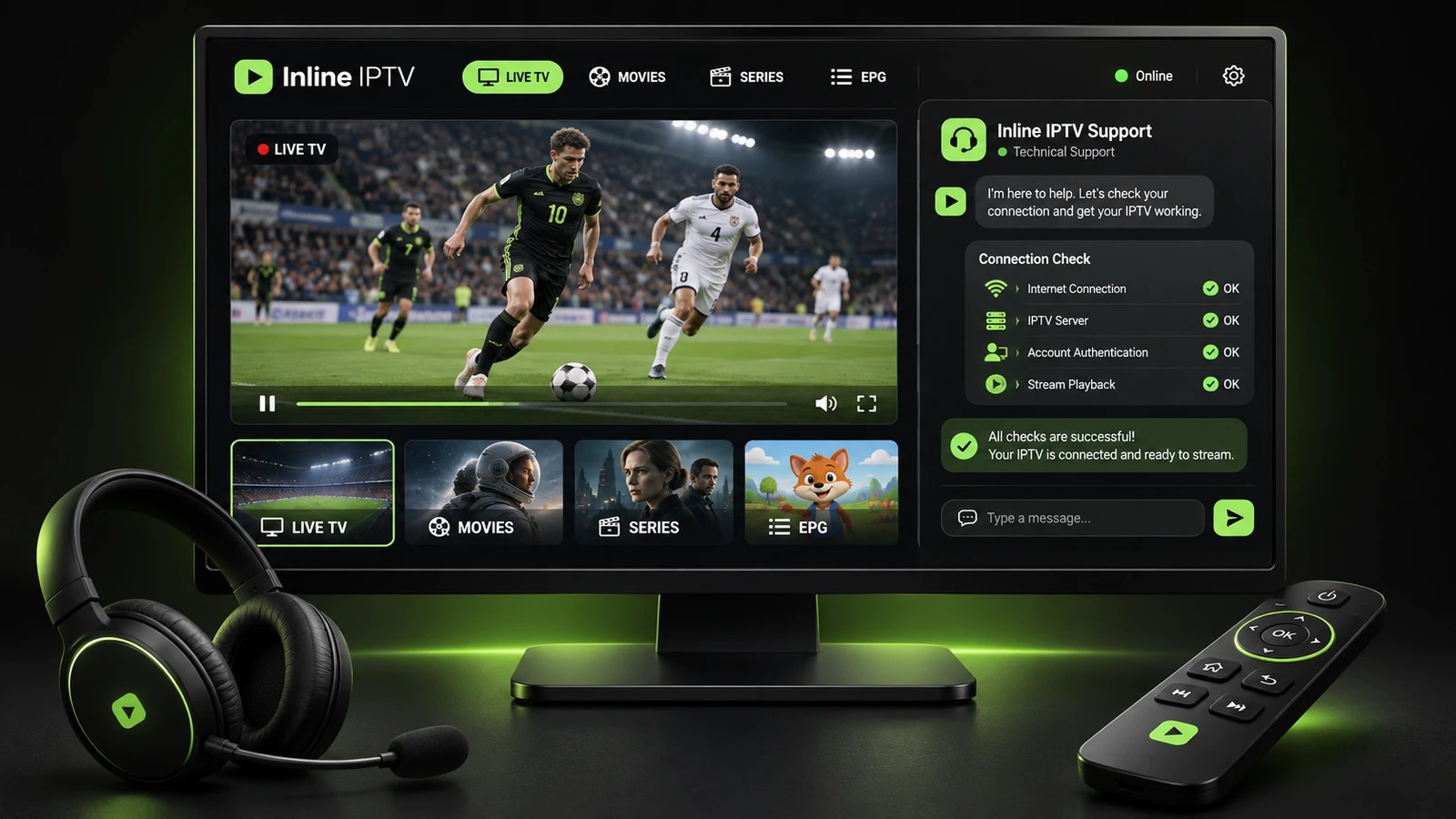
The guide is empty
Open the player settings and refresh or update the EPG. If you use an M3U playlist, check that the EPG URL from your welcome email is added. Then restart the app and wait a minute for the guide to download.
The times are wrong
Check the date, time and time zone on your device first. If they are correct but the guide is still shifted, use the player’s EPG time offset setting to move it by the right number of hours.
Some channels have no listings
Not every channel publishes guide data. If only a few channels are empty, this is usually normal. If many are empty, refresh the guide and contact support if it does not improve.
The guide is slow to load
Large guides take more memory. In the player settings, reduce the number of days loaded, or hide channel categories you do not use.
The guide stopped updating
Clear the app cache, then refresh the EPG. On Firestick, you can clear the cache in Settings → Applications → Manage Installed Applications.
The IPTV EPG on Different Devices
- Firestick and Android TV – most players show a full TV-style grid that works well with the remote.
- Samsung and LG Smart TVs – TV apps usually show a grid or a channel list with now-and-next details.
- Phones and tablets – the guide often appears as a scrolling list, which suits small screens.
- MAG boxes – the portal loads the guide automatically and shows it in its own menu.
- Computers – desktop players offer large grids that are easy to browse with a mouse.
Whatever your device, the guide data is the same – only the design changes from one player to another.
How Inline IPTV Delivers the EPG
When you log in with Xtream Codes, your player receives the guide for your account automatically. If you use an M3U playlist, your welcome email includes the EPG URL to add in your player. The guide covers the channels in your plan, and we work to keep listings accurate and up to date. If something looks wrong, tell us which channel and time, and we will check it.
Getting the Most From Your IPTV EPG
- Use favourites in the guide – a favourites-only guide view is faster to browse.
- Check descriptions – open a program to read its description before you switch.
- Plan your evening – scroll ahead a few hours to see what is coming up.
- Use search – find a program by name instead of scrolling through every channel.
- Keep the guide fresh – most players refresh automatically, but a manual refresh helps after a long break.
What Is EPG Data Made Of?
For the curious, each program in an IPTV EPG contains a few simple fields:
- Channel ID – links the program to the right channel.
- Start and stop time – when the program begins and ends, with a time zone.
- Title – the program name.
- Description – a short summary, when available.
- Category – for example news, sport or film, when available.
Your player turns these fields into the colourful grid you see on screen.
EPG, Catch-Up and Recording: What Is the Difference?
People often mix these features up. The EPG is the schedule – it tells you what is on and when. Catch-up lets you watch a program that has already aired, on channels where it is available. Recording saves a program to storage, which only some devices and apps support. In many players, the IPTV EPG is the starting point for all three: you open the guide, pick a program, and then choose to watch, set a reminder or open catch-up where available.
Common IPTV EPG Terms Explained
- XMLTV – the file format most guides use to store listings.
- EPG URL – the web address a player uses to download the guide for an M3U playlist.
- tvg-id – a tag in an M3U playlist that links each channel to its guide listings.
- Time shift or offset – a setting that moves the whole guide forward or back by a number of hours.
- Now and next – the short view showing the current and upcoming program on a channel.
- Grid guide – the full timetable view with channels down the side and times across the top.
Knowing these terms makes it easier to understand what is EPG setup in any app, and to follow instructions from our support team.
Why a Good IPTV EPG Matters
A guide is more than a nice extra. Without it, a long channel list is hard to use – you have to switch channel by channel to see what is playing. With a working IPTV EPG, you can scan dozens of channels in seconds, plan your evening and never miss the start of a match or a film. That is why the guide is included in every plan and why our setup instructions always cover it.
More Questions About the IPTV EPG
Is the EPG included in my plan?
Yes. The program guide is included in every Inline IPTV plan. See our IPTV subscription plans for details.
Does the EPG use a lot of data?
No. Guide data is small compared with video. It downloads in the background and is refreshed from time to time.
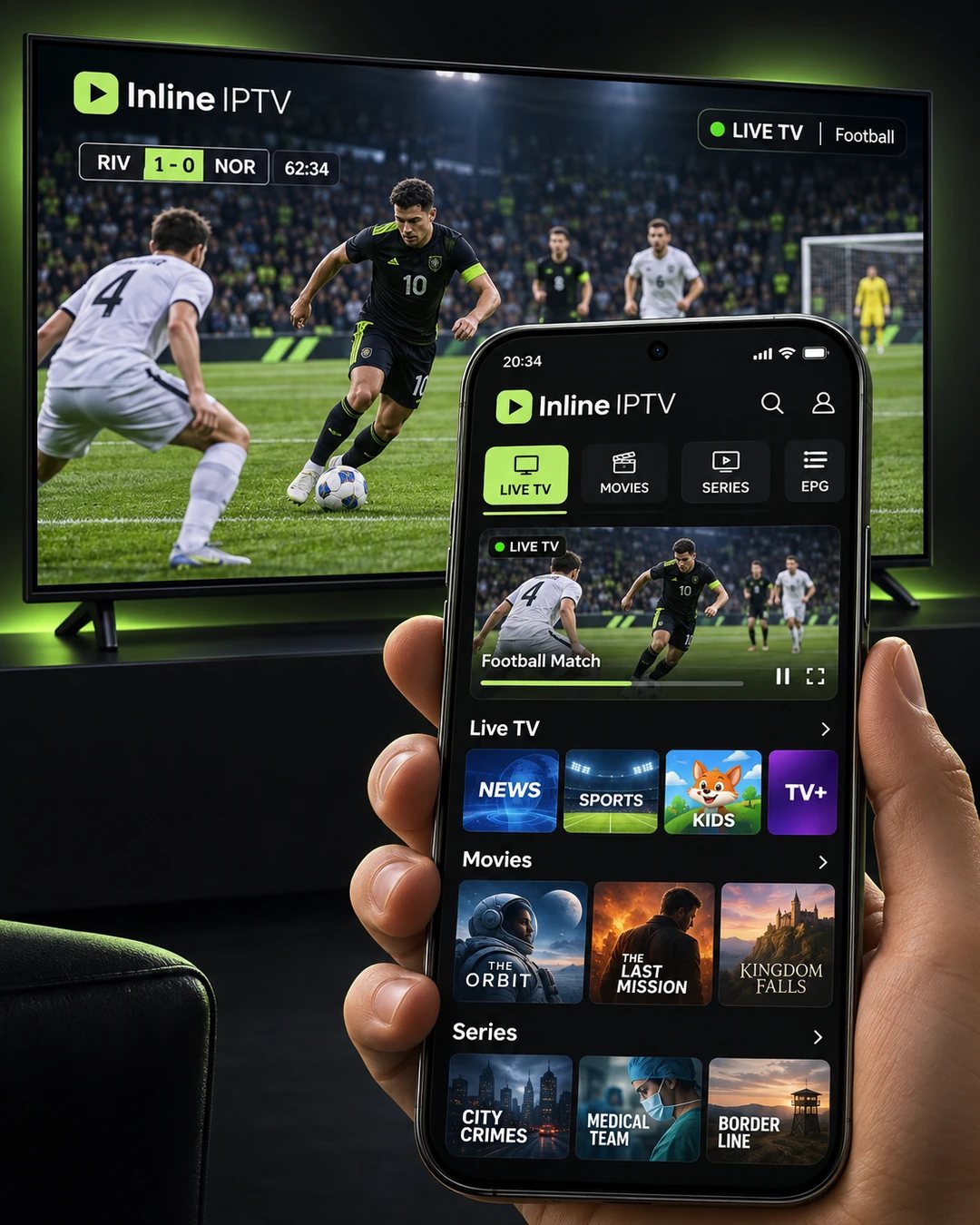
Can I use the EPG on my phone?
Yes. Most phone players show a guide too, often in a list view that is easier to read on a small screen.
Why do some players show the guide better than others?
Each player has its own design and speed. If you do not like the guide in one app, try another – your login stays the same.
Who can help if my EPG still does not work?
Our support team. Contact us with your device, the player and a screenshot, and we will help you fix it.
Now You Know What Is EPG
The EPG turns a long list of channels into an easy TV guide. With Xtream Codes it usually works automatically, and a quick refresh fixes most problems. Want to see it in action? Request a free 24-hour trial, or read our IPTV FAQ for more answers.