
IPTV FAQ: Quick Start
This IPTV FAQ collects the questions our customers ask most often, from the first setup to everyday viewing. Use the contents box to jump to a topic, or scroll down to the full list of frequent IPTV questions further down the page. If your question is not here, contact our support team and a real person will reply.
We have grouped the answers by topic: getting started, IPTV setup on popular devices, picture and sound, accounts and logins, data and internet, and plans and payments. Each answer is short and practical, so you can fix most things yourself in a few minutes. We update this page whenever we see the same question more than once.
What is the fastest way to start watching?
Choose a plan on our IPTV subscription plans page, send your order, complete payment and add the login we email you to a player app. Most people are watching within minutes of receiving their login.
Do I need technical skills?
No. If you can install an app and type a username and password, you can complete the IPTV setup. Our guides walk you through each screen, and support can help if you get stuck.
Can I test before paying?
Yes. Ask for a free 24-hour trial. It is the best way to check the picture on your own TV and internet connection.
IPTV Setup Questions
Which login type should I use: Xtream Codes or M3U?
Use Xtream Codes when your app supports it. You only type a server URL, a username and a password, and the app loads channels, the on-demand library and the program guide automatically. An M3U link is a single web address that contains your playlist. It works in almost every player, and you can read how the format works in the Wikipedia article on M3U.
How do I set up IPTV on a Firestick?
Install a player app, open it, choose Xtream Codes and enter your details. Our Firestick IPTV setup guide shows every step with tips for a smoother picture.
How do I set up IPTV on a Samsung or LG TV?
Smart TVs use apps from their own app store. Install a compatible player, note the device ID or MAC address if the app asks for it, and add your login. See our Samsung and LG IPTV guide for details.
The app asks for a “server URL” – where do I find it?
It is in the welcome email we send after payment, together with your username and password. Copy it exactly, including http:// and the port number if there is one.
I entered my details but nothing loads. What should I check?
- Check for extra spaces before or after your username and password.
- Make sure the server URL is typed exactly as in your email.
- Restart the app and your device, then try again.
- Confirm that your subscription is active and has not expired.
If it still does not work, send us a screenshot of the error and we will check your account.
IPTV Questions About Picture and Sound
Why does the picture freeze or buffer?
Buffering almost always comes from the connection between your device and the internet. Try an Ethernet cable, move closer to the router, pause large downloads on the same network and restart the router. You can measure your connection with a free test such as Speedtest by Ookla, run on the same device you watch on.
Why is 4K not available on every channel?
4K depends on the original source. When a channel or title is not produced in 4K, you will see it in HD or full HD instead.
The sound is out of sync. How do I fix it?
Switch to another channel and back, or restart the app. Many player apps also have an audio delay setting that lets you adjust the sync by a few milliseconds.
Can I turn on subtitles or change the audio language?
When a stream includes subtitles or extra audio tracks, you can choose them from the player app’s menu during playback. Availability depends on the content.
Can I set parental controls?
Most player apps let you lock categories or channels with a PIN. Look for “Parental control” in the app’s settings.
IPTV FAQ for Accounts and Logins
Can I use my login on a new device?
Yes. Install a player app on the new device and add the same login. Just remember that only the number of devices in your plan can stream at the same time.
What does a “maximum connections” message mean?
It means all the connections in your plan are already in use. Stop playback on another device, wait a minute and try again. If you regularly need more screens, choose a plan with more devices when you renew.
How do I check when my subscription ends?
Many apps show the expiry date in the account or settings screen. You can also ask our support team at any time.
Can I change my password or email address?
Yes. Contact support from the email address on your order and tell us what you would like to change.
Is my information kept private?
We only collect what we need to deliver your service and support you. Read our privacy policy to see exactly what we store and why.
IPTV Questions About Data and Internet
How much data does IPTV use?
As a rough guide, HD streaming uses about 3 GB per hour and 4K can use around 7 GB per hour. If your internet plan has a monthly data limit, choose HD for everyday viewing.
Can I watch on mobile data?
Yes, if your mobile signal is strong. Keep in mind that video uses a lot of data, so Wi-Fi is usually the better choice at home.
Do I need a VPN?
No, a VPN is not required. Some people use one for privacy. If you do, pick a fast server close to you, because a slow VPN can cause buffering.
Does IPTV work with satellite or 4G home internet?
It can, as long as the connection is stable and fast enough. Higher latency connections may take a little longer to start a stream.
IPTV FAQ About Plans and Payments
Which plan lengths can I choose?
You can choose 3, 6 or 12 months. The service is the same on every plan – longer plans simply cost less per month. The 12-month plan on one device works out at $7.50 a month.
How many devices can I add?
Each plan is available for 1, 2 or 3 devices streaming at the same time. Pick the number of screens your household uses most in the evening.
How do I pay?
After you send your order, we email you the payment details for that order. Once payment is confirmed, we send your login. You never have to enter card details on our website.
Will my plan renew automatically?
No. Plans are paid once for the whole period and do not renew on their own. When your plan is close to ending, contact us if you would like to renew.
What if the service does not work for me?
Contact support first – most problems are solved in a few minutes. If we cannot fix an issue that is on our side, our refund policy explains when a refund is possible.
Do you offer plans for resellers?
Yes. If you want to sell IPTV subscriptions to your own customers, see our IPTV reseller program for credits, panel access and support.
IPTV Setup Tips From Our Support Team
- Write down your login. Keep your server URL, username and password somewhere safe so you can set up new devices quickly.
- Use favourites. Add the channels you watch most to a favourites list to avoid scrolling.
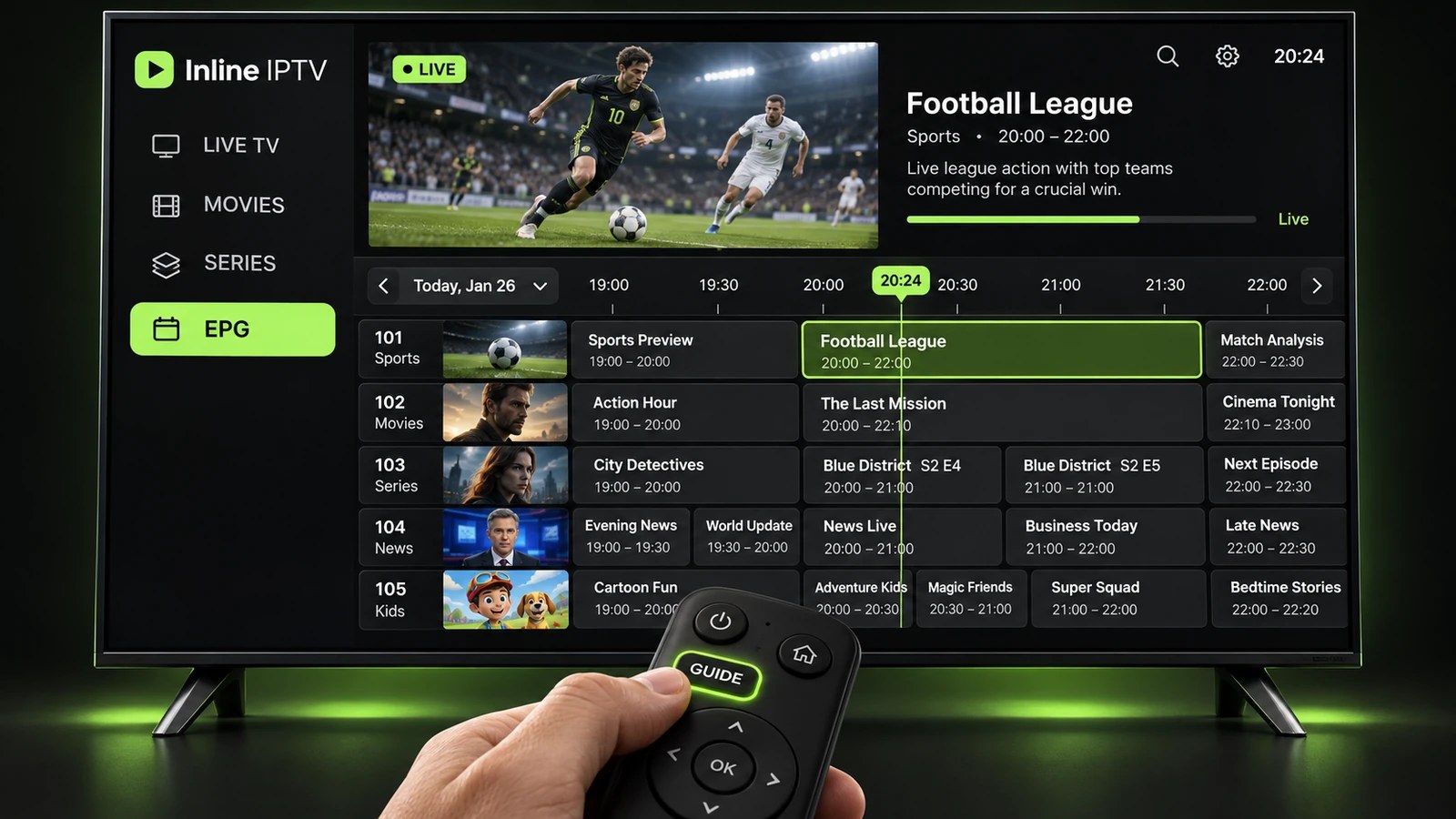
- Update the program guide. If the EPG looks empty, refresh it in the app settings. Our EPG guide explains how it works.
- Keep apps updated. New versions fix bugs and improve stability.
- Restart weekly. A quick restart of your streaming device keeps it running smoothly.
Still Have IPTV Questions?
Our team answers IPTV questions every day. When you contact us, include your device, the app you use and a short description or screenshot of the problem – it helps us solve it faster. Ready to start? Compare our IPTV plans or read the full list of frequent IPTV questions below.
Frequent IPTV Questions
 & Setup

Try Inline IPTV Before You Buy