

Apple devices are some of the best screens for watching IPTV. Apple TV has a fast processor and a simple remote, and iPhone and iPad are perfect for watching on the sofa or on the go. This guide shows you how to set up IPTV on Apple TV, iPhone and iPad step by step: which apps to choose, how to add your login, the best settings and how to fix common problems.
What You Need for IPTV on Apple TV and iPhone
- An Apple TV HD or Apple TV 4K with a recent version of tvOS, or an iPhone or iPad with a recent version of iOS or iPadOS.
- An IPTV subscription – for example an Inline IPTV plan or a free 24-hour trial.
- A player app from the App Store.
- A stable internet connection – about 10 Mbps for HD and 25 Mbps for 4K.
Older Apple TV models (2nd and 3rd generation) do not have the App Store and cannot install IPTV players. If you have one, a Firestick or Google TV stick is an inexpensive way to add IPTV to the same TV.
Best Apps for IPTV on Apple TV
| App | Login types | Price | Why choose it |
|---|---|---|---|
| Smarters Player Lite | Xtream Codes, M3U | Free | Familiar IPTV Smarters layout, strong movies and series |
| GSE Smart IPTV | Xtream Codes, M3U | Free, optional upgrades | Flexible, long-established player |
| iPlayTV | M3U, Xtream Codes | Paid | Clean, Apple-style TV guide |
| IPTVX | Xtream Codes, M3U | Paid / subscription | Polished design across Apple TV, iPhone, iPad and Mac |
| VLC | M3U link | Free | Quick test of your playlist |
App prices are set by the developers and can change, so check the App Store before you buy. Any fee goes to the app developer, not to your IPTV provider. For a wider comparison, see our guide to the best IPTV player apps.
How to Set Up IPTV on Apple TV
- On the Apple TV home screen, open the App Store.
- Search for your chosen player, for example Smarters Player Lite, and select Get.
- Open the app and accept the terms.
- Choose Login with Xtream Codes API (or Add playlist › Xtream Codes, depending on the app).
- Enter a name such as “Inline IPTV”, then the username, password and server URL from your email.
- Select Add user or Save. The app downloads your channels, guide, movies and series.
- Open Live TV, choose a group and start watching.
Tip: typing with the Siri Remote is slow. Use the Apple TV Remote in your iPhone’s Control Centre – when a text field is active on the TV, your iPhone shows a keyboard so you can type or paste your details.
How to Watch IPTV on iPhone and iPad
- Open the App Store and install a player such as Smarters Player Lite or GSE Smart IPTV.
- Open the app and choose the Xtream Codes login.
- Paste your username, password and server URL from the email – on a phone, copy and paste avoids typing mistakes.
- Tap Add user and wait for the content to load.
Watching IPTV on iPhone and iPad is a great way to test your login before setting up the TV, and to keep watching in another room or while travelling, within the number of devices in your plan.
Using AirPlay to Send IPTV From iPhone to TV
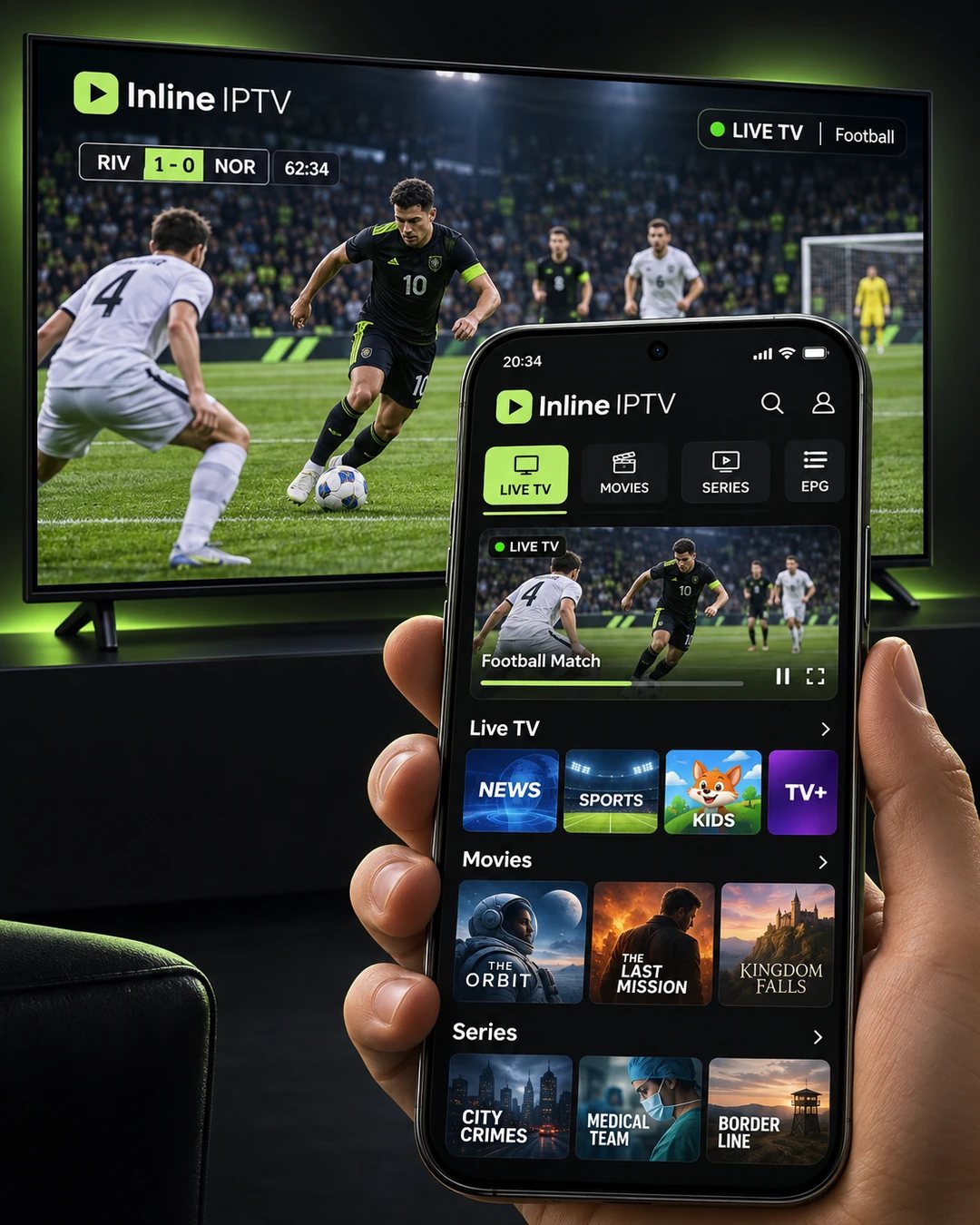
If your TV supports AirPlay, or you have an Apple TV, you can play a channel on your iPhone and send it to the big screen. Start playback in the app, tap the AirPlay icon in the player and choose your TV. Not every IPTV app supports AirPlay for every stream, and the picture depends on your Wi-Fi, so a native Apple TV app usually gives a smoother result. You can read more about the technology on Wikipedia’s AirPlay page.
Best Settings for IPTV on Apple TV
- Match frame rate and dynamic range: in Apple TV Settings › Video and Audio › Match Content, turn on Match Dynamic Range and Match Frame Rate for smoother sport and correct colours.
- Use Ethernet: Apple TV 4K models with an Ethernet port stream most reliably on a cable.
- Set the EPG time zone in the player so programme times are correct.
- Enable automatic EPG refresh so the guide stays current.
- Turn on parental controls in the player if children use the Apple TV.
Getting the Most From IPTV on Apple TV
Once your player is set up, a few habits make IPTV on Apple TV feel just like a premium TV service:
- Put the player on the top row. Press and hold the app icon on the home screen and move it to the top row, so it opens with one click when you turn on the TV.
- Create favourites. Add the channels you watch most to favourites in the player, so you do not have to scroll through every group.
- Use the TV guide view. Most Apple players have a grid guide that shows what is on now and next across channels.
- Turn on subtitles where available. Swipe down on the remote’s touch surface while watching to open audio and subtitle options in many players.
- Let tvOS update automatically. Updates keep apps compatible and fix playback bugs.
Using IPTV on Apple TV With the Whole Family
Apple TV supports multiple user profiles, which makes it easy for a family to share one device. Each person can keep their own app layout, and parents can use Settings › General › Restrictions to limit app purchases and content. Inside the IPTV player, set a PIN to lock adult or late-night channel groups. Together, these settings make IPTV on Apple TV safe and simple for children as well as adults.
If several family members also watch on iPhones and iPads, install the same player on each device and log in with the same details. Just remember that the number of screens watching at the same time depends on your plan – 1, 2 or 3 with Inline IPTV.
Do You Need a VPN for IPTV on Apple TV?
A VPN is not required for IPTV on Apple TV. Some people use one for privacy or because their internet provider slows down video streams in the evening. Apple TV does not support every VPN app directly, so many users set up the VPN on their router instead. If you try a VPN and channels start buffering, choose a faster server closer to you or turn it off.
IPTV on Apple TV: Common Problems and Fixes
The app says the login is invalid
Check the server URL, including http:// and the port number, and look for extra spaces. Make sure your subscription or trial is active.
The TV guide is empty
Refresh the EPG in the app’s settings. With an M3U login, add the XMLTV guide link separately. Our EPG guide explains more.
Channels buffer or freeze
Restart the Apple TV and router, use Ethernet or 5 GHz Wi-Fi, and lower the quality for 4K channels if needed. See our IPTV buffering fix guide.
No sound on some channels
In Apple TV Settings › Video and Audio, try changing the audio format, or switch the player’s audio track while watching.
The app closes or freezes
Update the app and tvOS, then restart the Apple TV from Settings › System › Restart.
Apple TV vs Firestick for IPTV
| Apple TV 4K | Firestick | |
|---|---|---|
| Performance | Very fast | Good, slower on older models |
| Player choice | App Store players | Appstore players; TiviMate where available |
| Price | Higher | Lower |
| Ethernet | On some models | Adapter needed |
| Best for | Apple households, smooth 4K | Budget, Android apps |
Both work very well with Inline IPTV, but IPTV on Apple TV is usually the smoother choice if you already own one, so there is no need to buy another device. Our Firestick IPTV guide covers the other option.
Tips for Watching IPTV on iPhone on the Go
- Use Wi-Fi where possible – HD streaming uses a lot of mobile data.
- Lower the quality on mobile data to save your allowance.
- Turn off Low Power Mode while watching, as it can limit background data.
- Check local rules when you travel – content rights can differ between countries.
Watch Inline IPTV on Apple TV and iPhone
Inline IPTV works with all the Apple players in this guide through Xtream Codes or M3U. Your subscription includes live channels, a full program guide, movies and series in HD and 4K where available. Plans run for 3, 6 or 12 months on 1, 2 or 3 devices, from about $7.50 a month on the 12-month plan – see our IPTV subscription plans.
Try IPTV on Apple TV first with a free 24-hour IPTV trial on your Apple TV or iPhone. For other devices, follow our complete IPTV setup guide, and message us on WhatsApp or Telegram if you need help.
IPTV on Apple TV FAQ
Can I watch IPTV on Apple TV?
Yes. Install an IPTV player from the App Store on Apple TV HD or Apple TV 4K and log in with your Xtream Codes or M3U details.
What is the best IPTV app for Apple TV?
Smarters Player Lite and GSE Smart IPTV are good free choices. iPlayTV and IPTVX are popular paid options with a more polished design.
Is TiviMate available on Apple TV?
No. TiviMate only runs on Android-based devices. Use one of the Apple players listed above.
Can I use the same login on Apple TV and iPhone?
Yes, as long as the number of screens watching at the same time stays within your plan.
Does IPTV on Apple TV support 4K?
Yes, on Apple TV 4K with a 4K TV, a fast connection and channels or films available in 4K.
Can I watch IPTV on an old Apple TV?
Apple TV 2nd and 3rd generation models cannot install apps. Use AirPlay from an iPhone, or add a streaming stick. Ask us through our contact page if you are unsure which model you have.