

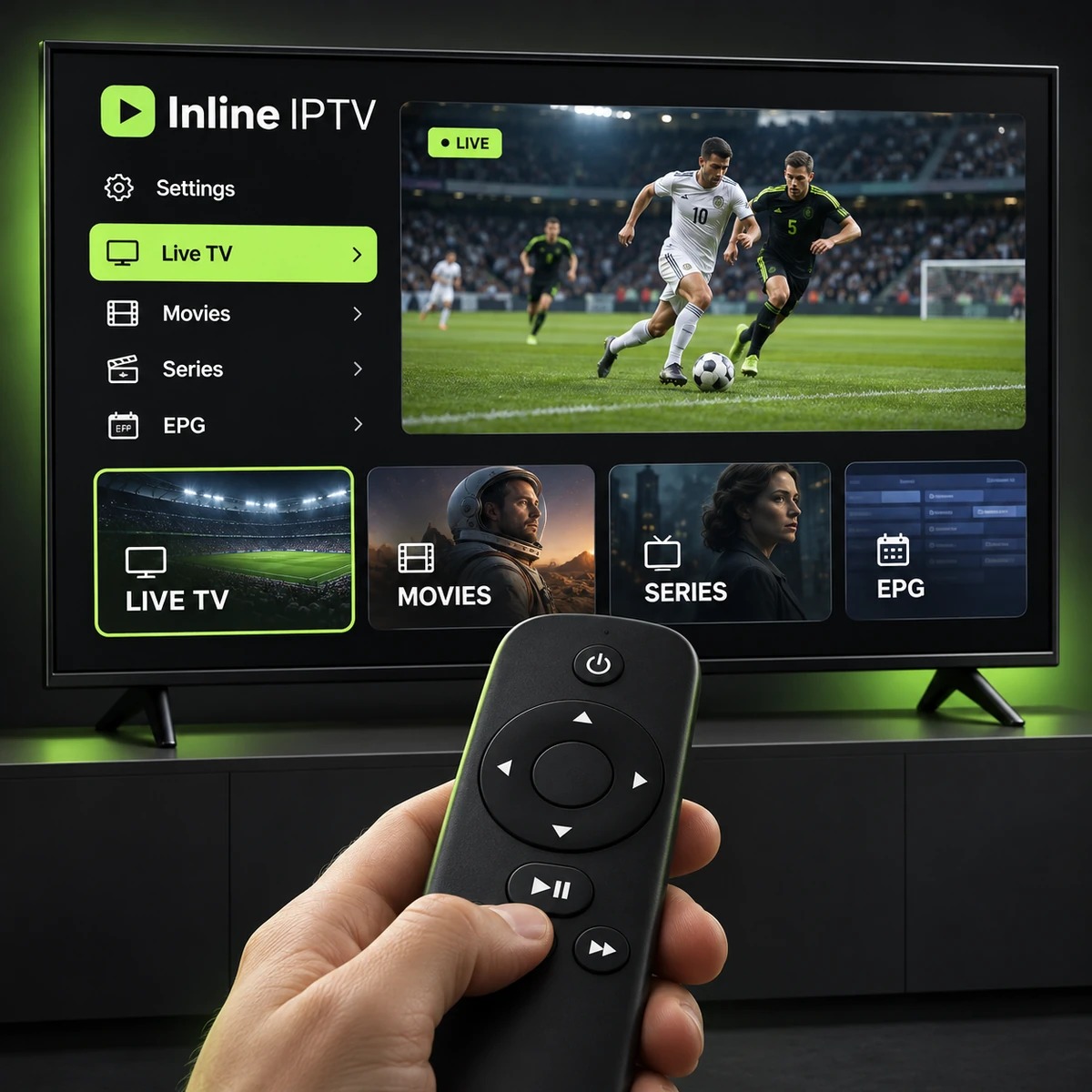
Choosing the best IPTV player makes a bigger difference than most people expect. The same subscription can feel slow and confusing in one app and fast and polished in another. This guide compares the best IPTV player apps for every device – Firestick, Android TV, Samsung and LG Smart TVs, iPhone, Apple TV, Windows and Mac – so you can pick the right one in minutes. All of them work with an Inline IPTV subscription.
What Does an IPTV Player Do?
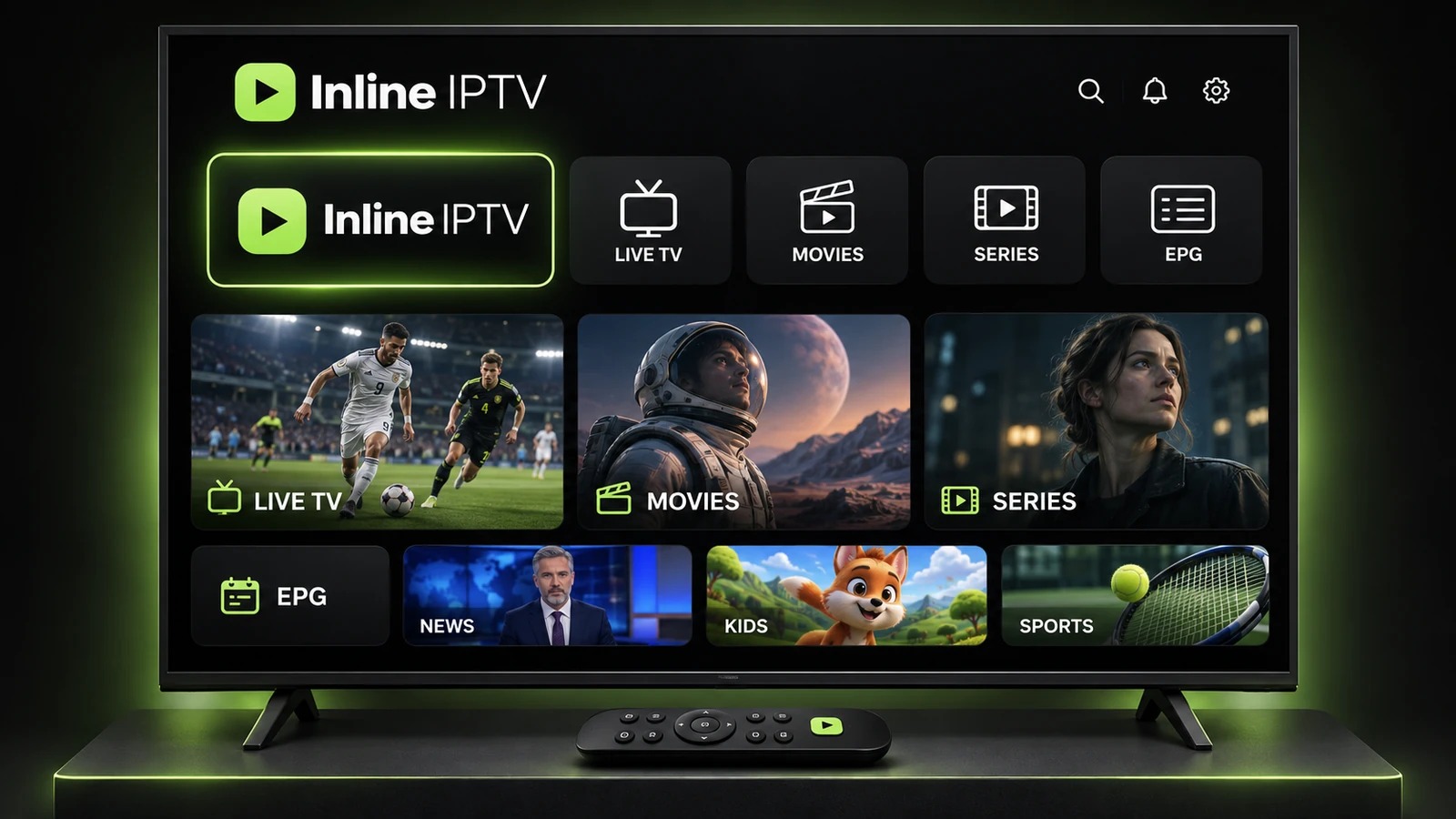
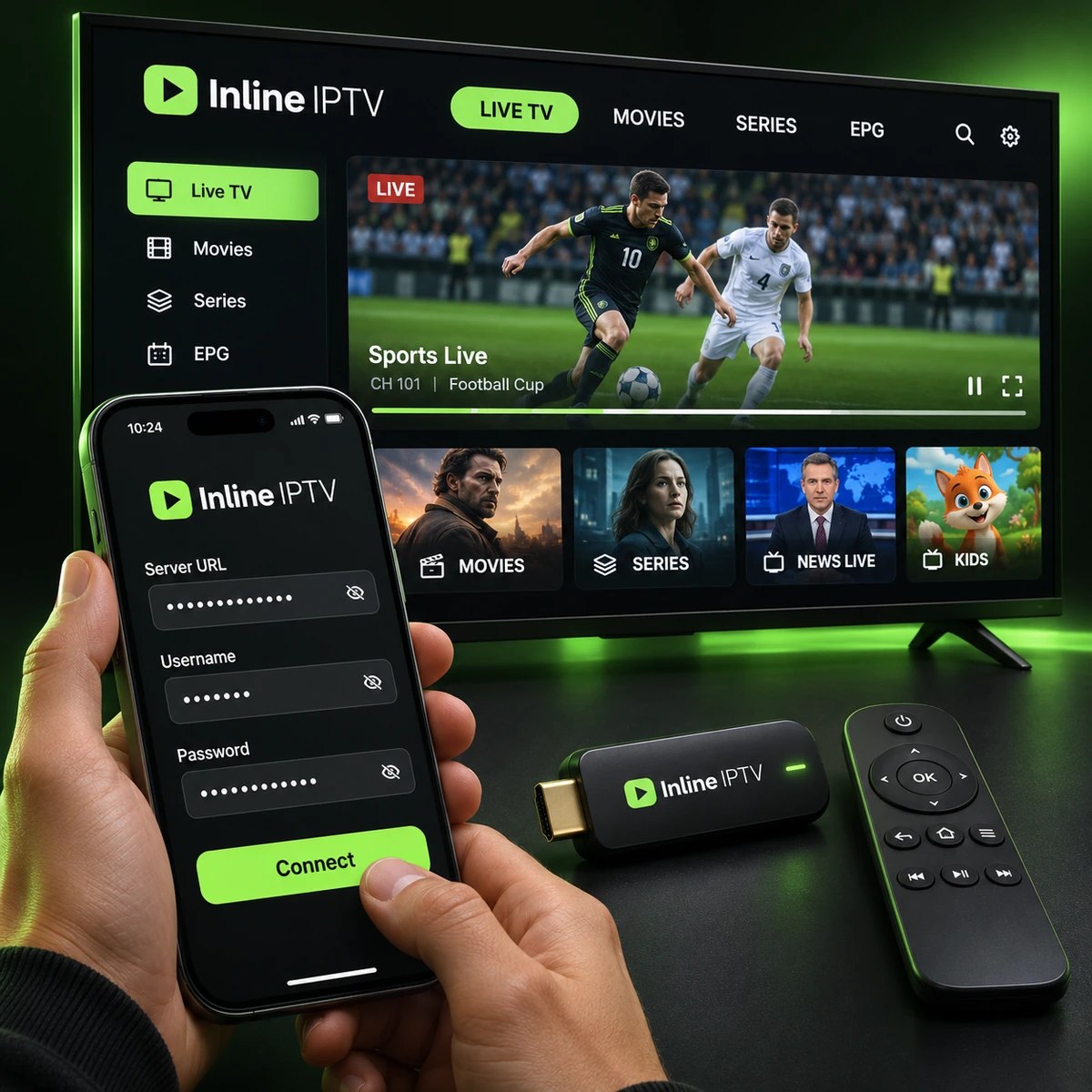
An IPTV player is an app that turns your login details into a TV experience. It does not include any channels itself. You enter the details from your provider – an Xtream Codes login or an M3U playlist – and the player shows your live channels, the program guide (EPG), movies and series. A good player loads quickly, has a clear guide, works well with a remote and plays streams smoothly.
When you look for the best IPTV player, compare five things:
- Device support – does it run on your TV, stick or phone?
- Login types – Xtream Codes is easiest; some players only accept M3U.
- TV guide – how clear and fast is the EPG?
- Movies and series – does it show the on-demand library nicely?
- Price – free, a one-off fee or a yearly fee paid to the developer.
Best IPTV Player Apps at a Glance
| Player | Best for | Devices | Price |
|---|---|---|---|
| TiviMate | Live TV and TV guide | Android TV, Fire TV, Android boxes | Free, optional Premium |
| IPTV Smarters Pro | All-round use, movies and series | Android, iOS (as Smarters Player Lite), some Smart TVs, PC | Free on most platforms |
| IBO Player | Samsung and LG TVs | Smart TVs, Android, others | Free trial, then paid activation |
| GSE Smart IPTV | Apple devices | iPhone, iPad, Apple TV, Android | Free with optional upgrades |
| XCIPTV / Televizo | Simple Android players | Android phones, TV boxes, Fire TV | Free |
| VLC | Computers and quick tests | Windows, Mac, Linux, phones, Apple TV | Free |
| MyTVOnline | Formuler boxes | Formuler only | Included with the box |
There is no single best IPTV player for everyone – the right choice depends on your device. Developer prices and availability change over time and can differ by country, so always check the app store listing before you install.
Best IPTV Player for Firestick and Android TV: TiviMate
TiviMate is the favourite of many IPTV users on Android TV, Google TV, NVIDIA Shield and Fire TV. Its grid TV guide looks like a premium cable box, it handles large channel lists well and it is designed entirely for the remote control. The free version covers live TV and the guide; Premium adds recording, catch-up, multiple playlists and multi-view.
Pros: excellent guide, fast, very customisable. Cons: Android-based devices only, basic movie and series screens. Read our full TiviMate setup guide.
Best All-Round IPTV Player: IPTV Smarters Pro
IPTV Smarters Pro is the most widely supported player. It runs on Android phones and boxes, on Apple devices as Smarters Player Lite, on some Smart TVs and on Windows and Mac. Its home screen splits Live TV, Movies, Series and Catch-up into big tiles, which makes it especially good if you watch a lot of on-demand content.
Pros: works almost everywhere, strong movies and series section, free. Cons: the TV guide is less refined than TiviMate’s, and Fire TV availability varies by country. See our IPTV Smarters setup guide.
Best IPTV Player for Samsung and LG TVs: IBO Player
Samsung (Tizen) and LG (webOS) TVs cannot run Android apps like TiviMate, so you need a player from the TV’s own app store. IBO Player is one of the most popular choices. You install it, note the device ID and key shown on screen, then add your playlist on the developer’s website or directly in the app. After a free trial, IBO Player asks for a small activation fee paid to the developer.
Pros: no extra device needed, clean layout. Cons: activation fee, and Smart TV processors are slower than a good streaming stick. Our Samsung and LG IPTV guide walks through it step by step.
Best IPTV Player for iPhone, iPad and Apple TV
On Apple devices, the top choices are Smarters Player Lite, GSE Smart IPTV and paid players such as iPlayTV and IPTVX on Apple TV. Smarters and GSE are free to start and support Xtream Codes; the paid apps offer a more polished, Apple-style interface. Our guide to IPTV on Apple TV and iPhone compares them in detail.
Best IPTV Player for Windows and Mac: VLC and Smarters
On a computer, the free VLC media player can open your M3U link directly: choose Media › Open Network Stream, paste the link and press Play. It is perfect for a quick test, though it has no proper TV guide. For a full TV interface, install the desktop version of IPTV Smarters from the developer’s official website and log in with Xtream Codes.
Best Simple Players for Android: XCIPTV and Televizo
If you want something light and free on an Android phone, tablet or TV box, XCIPTV and Televizo are good options. Both support Xtream Codes, load the EPG and run smoothly on older or cheaper devices. They are also a handy backup if your main player has a problem.
Built-In Players: MAG and Formuler
MAG boxes do not use player apps at all – they connect to a portal using the box’s MAC address. Formuler boxes use their own MyTVOnline app, which supports both portals and Xtream Codes. If you have one of these boxes, follow our MAG box IPTV setup guide.
How to Choose the Best IPTV Player for You
- Start with your device. Android TV or Fire TV: TiviMate. Samsung or LG TV: IBO Player. Apple: Smarters Player Lite or GSE. Computer: VLC or Smarters.
- Think about what you watch. Mostly live TV and sport? Pick the player with the best guide. Mostly films and series? Pick one with a strong on-demand section.
- Use Xtream Codes where possible. It loads channels, the guide and on-demand content in one step.
- Try before you pay. Most players have a free version or trial. Test two players with a free 24-hour IPTV trial and keep the one you like.
- Install from official stores only. Apps from unknown websites can contain malware.
Best IPTV Player Settings That Make a Difference
Whichever app you choose, a few settings improve playback in almost every player:
- Set your time zone so the program guide shows the correct times.
- Turn on automatic EPG updates once or twice a day.
- Use hardware decoding first; switch to software decoding if a channel shows a black screen.
- Increase the buffer if channels stutter on Wi-Fi.
- Hide channel groups you never watch so lists load faster.
If a stream still freezes, our IPTV buffering fix guide has 15 proven solutions.
Best IPTV Player for Families
In a family home, the best IPTV player is the one everybody can use without asking for help. Look for these features:
- Parental controls – a PIN to lock adult or late-night groups. IPTV Smarters, TiviMate and most Smart TV players offer this.
- Large, clear menus – TiviMate’s guide and the big tiles in IPTV Smarters are easy for older viewers and children.
- Favourites – a short list of the channels each person watches most.
- Fast start-up – set the player to open straight into the last channel watched.
For grandparents or anyone who prefers a classic cable-box feel, a MAG box with a portal is often the simplest option of all.
Best IPTV Player for Sports Fans
Live sport puts the most pressure on your setup, so the best IPTV player for sport is one with a fast channel switch, a reliable buffer setting and – ideally – multi-view so you can follow more than one match. TiviMate Premium on a powerful Android TV device such as an NVIDIA Shield is a favourite for this. Whatever you choose, connect the device by Ethernet before a big game and test your setup during a free trial.
Best IPTV Player for Movies and Series
If films and box sets matter more than live TV, choose a player with a strong on-demand section. IPTV Smarters shows posters, descriptions and seasons clearly, and keeps track of where you stopped. On Apple devices, IPTVX and Smarters Player Lite do a similar job. With an Xtream Codes login, the movie and series library loads automatically in these apps.
Free vs Paid IPTV Players
Free players like VLC, XCIPTV and the standard IPTV Smarters app cover everything most people need. Paid players or premium upgrades usually add recording, catch-up, multi-view, a more polished design or support for several playlists. Any fee goes to the app developer – it is separate from your IPTV subscription, and your Inline IPTV login works in free and paid players alike.
A sensible approach is to start free. If after a week you find yourself wishing for recording or a nicer guide, that is the moment to consider a paid upgrade.
Using More Than One Player
There is no rule that says you must pick only one. Many households use TiviMate on the living-room Firestick, IPTV Smarters on their phones and VLC on a laptop – all with the same login. Just keep within the number of devices that can stream at the same time on your plan: 1, 2 or 3 with Inline IPTV.
Get Started With the Best IPTV Player and Inline IPTV
Inline IPTV gives you an Xtream Codes login, an M3U link and MAG portal support, so it works with every player in this guide. Plans run for 3, 6 or 12 months on 1, 2 or 3 devices, from about $7.50 a month on the 12-month plan. Compare all options on our IPTV subscription plans page, or follow our IPTV setup guide once your login arrives.
Not sure which is the best IPTV player for your TV? Message us on WhatsApp or Telegram and we will recommend the best option for your device.
Best IPTV Player FAQ
What is the best IPTV player for Firestick?
TiviMate is the top choice for most Firestick users because of its fast TV guide. IPTV Smarters and XCIPTV are good alternatives where available in your Appstore.
What is the best free IPTV player?
For Android TV, the free version of TiviMate. For phones and tablets, IPTV Smarters. For computers, VLC.
Which IPTV player works on Samsung TVs?
Samsung TVs need a player from the Samsung app store, such as IBO Player. TiviMate does not run on Samsung TVs.
Do IPTV players come with channels?
No. Players are empty until you add a subscription. You need an IPTV service such as Inline IPTV.
Can I switch players without a new subscription?
Yes. Your login works in any compatible player, so you can switch at any time.
Is it safe to install IPTV player apps?
Yes, when you install them from official app stores. Avoid downloading player files from unknown websites. Contact us through our contact page if you are unsure.