

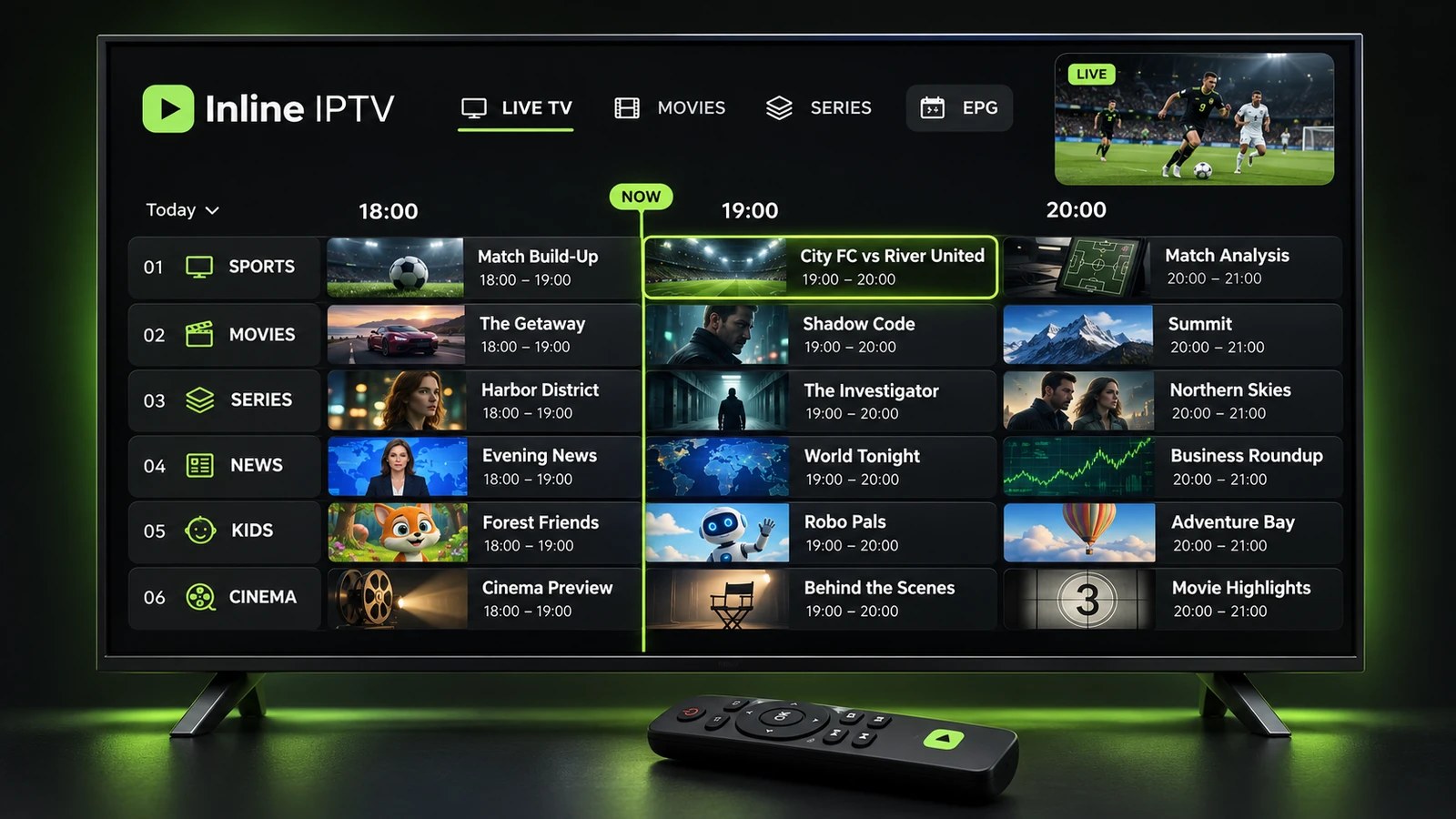
Missed the start of a match or the latest episode of your favourite show? Catch-up TV lets you go back in time and watch programmes that have already aired, straight from the TV guide. This guide explains what catch-up TV is, how catch-up works on IPTV, which players support it and how to use it on Firestick, Android TV, Smart TVs, Apple devices and MAG boxes.
What Is Catch-Up TV?
Catch-up TV is a feature that keeps recent programmes available after they have been broadcast. Instead of recording a show yourself, you open the TV guide, move back to an earlier time and press play. The programme starts from the beginning, and you can pause, rewind and fast-forward it like a recording.
Many broadcasters offer their own catch-up apps. With IPTV, catch-up TV is built into the channel itself: the service stores recent broadcasts for selected channels for a limited time, often several days, and your player reads that archive through the program guide. You may also see it called timeshift, replay, archive or TV archive.
Catch-Up TV vs Recording vs On-Demand
| Catch-up TV | Recording (PVR) | Movies and series on demand | |
|---|---|---|---|
| What it is | Recent broadcasts stored by the service | Shows you record to your own storage | A library of films and box sets |
| Planning needed | No | Yes – set the recording first | No |
| How far back | Limited days, depends on the channel | As long as you keep the file | Whatever is in the library |
| Storage needed | None on your device | Device or USB storage | None |
| Where you find it | In the TV guide | Recordings menu | Movies / Series sections |
In short, catch-up TV is the easiest way to watch something you forgot about, while recording is best for keeping a programme for longer.
How Catch-Up TV Works on IPTV
For catch-up TV to work, three things are needed:
- A channel with an archive. Not every channel has catch-up. Channels that do usually show a clock or rewind icon in the channel list or guide.
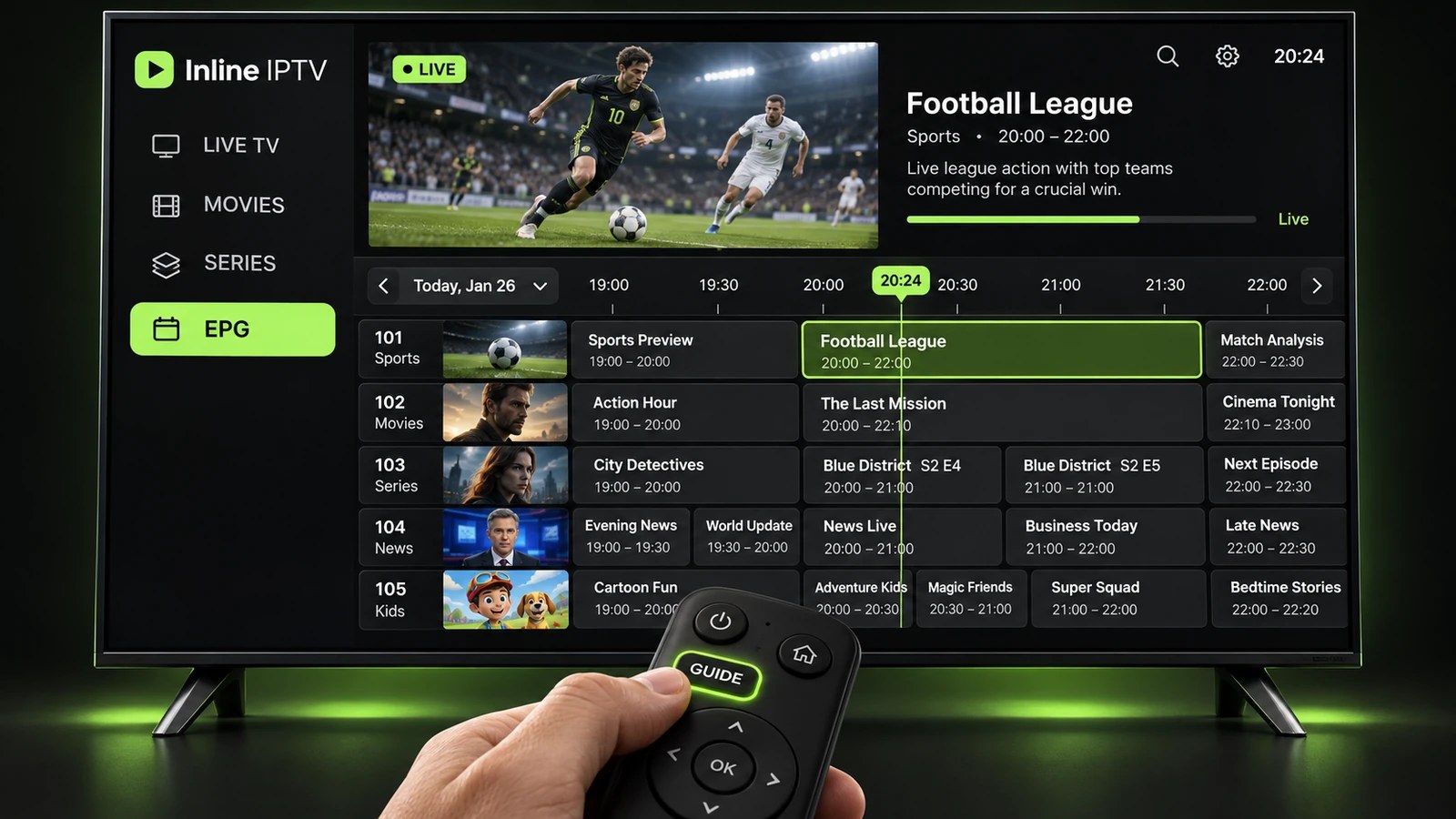
- A program guide (EPG). The player uses the guide to know which programme aired at which time. Without a working guide, catch-up is hard to use. Learn more in our EPG guide.
- A player that supports catch-up. Most popular players do, especially with an Xtream Codes login. See M3U vs Xtream Codes for why the login type matters.
Technically, the player asks the server for the stream starting at a past time. This approach is often called time shifting.
Which IPTV Players Support Catch-Up TV?
- TiviMate – catch-up is a Premium feature. Channels with an archive show a small clock icon; move back in the guide and select a past programme. See our TiviMate setup guide.
- IPTV Smarters – has a dedicated Catch Up section on the home screen. Choose a channel, then a date and programme. See our IPTV Smarters guide.
- XCIPTV and Televizo – support catch-up through the TV guide with an Xtream Codes login.
- MAG boxes – many portals show an Archive or TV archive option for supported channels. See our MAG box guide.
- Apple players – several App Store players, such as IPTVX, support catch-up. Our Apple TV and iPhone guide lists them.
Basic players such as VLC play live streams only and do not support catch-up TV.
How to Watch Catch-Up TV Step by Step
In TiviMate
- Open the TV guide.
- Find a channel with the clock icon.
- Press left on the remote to move back in time.
- Select a programme that has already aired and choose Play.
In IPTV Smarters
- On the home screen, select Catch Up.
- Choose a channel group and a channel.
- Pick the date and programme from the list.
- Press play. Use the player controls to pause, rewind or skip.
On a MAG box
- Open the TV guide in the portal.
- Select a channel that shows an archive symbol.
- Move back to the programme you missed and press OK to play it from the archive.
Catch-Up TV on Different Devices
- Firestick and Fire TV: use TiviMate Premium or IPTV Smarters where available in your Appstore. Clearing the app cache helps if the archive list loads slowly. See our best Firestick settings.
- Android TV boxes: TiviMate, XCIPTV and Televizo all handle catch-up TV well. Our Android TV box guide covers setup.
- Samsung and LG TVs: catch-up support depends on the Smart TV app. Some show it in the guide, others do not support it at all.
- iPhone, iPad and Apple TV: check that your chosen App Store player lists catch-up or archive support.
- MAG and Formuler: look for the archive symbol in the portal guide or in MyTVOnline.
Catch-Up TV for Sport and News
Catch-up TV is especially useful for live events. If a match started while you were travelling home, you can go back to kick-off and watch from the beginning. For news, it lets you replay the evening bulletin at a time that suits you. Archive periods vary by channel, so watch sooner rather than later if you can. For tips on watching live games, see our guide to IPTV for sports.
Why Some Channels Do Not Have Catch-Up
Keeping an archive takes a lot of server storage, so catch-up is offered on selected channels rather than all of them. Some broadcasts may also be excluded from archives. If it is important to you, check the channels you care about during a free trial before you order.
Catch-Up TV Problems and Fixes
There is no catch-up option
Check that the channel has an archive and that your player supports catch-up. In TiviMate, catch-up needs Premium. With an M3U login, some players cannot read catch-up information – switch to Xtream Codes.
Programmes play the wrong show
The time zone in your player or device is probably wrong. Set the correct time zone and adjust the EPG time shift if programmes are out by an hour.
Catch-up shows “not available”
The programme may be older than the archive period for that channel, or the channel does not keep an archive for that programme.
Catch-up buffers more than live TV
Catch-up streams are full-quality recordings, so they need the same speed as live TV. Use Ethernet or 5 GHz Wi-Fi and follow our IPTV buffering fix guide.
Tips to Get More From Catch-Up TV
- Keep your EPG updated – a fresh guide makes past programmes easy to find.
- Use favourites – put channels with catch-up in your favourites group.
- Start from the beginning – joined a match late? Use catch-up or the “start over” option on supported channels to go back to kick-off.
- Combine with recording – for something you want to keep for weeks, use a player with recording, such as TiviMate Premium.
- Check archive length – archive periods differ by channel, so do not leave it too long.
Is Catch-Up TV Included With Inline IPTV?
Catch-up TV availability depends on the channel and is offered on selected channels where the archive is available. The easiest way to see which of your favourite channels support catch-up is to look for the catch-up icon in your player during a free 24-hour IPTV trial, or ask our team on WhatsApp or Telegram before you order.
Inline IPTV plans include live channels, a full program guide, movies and series in HD and 4K where available. They run for 3, 6 or 12 months on 1, 2 or 3 devices, from about $7.50 a month on the 12-month plan – see our IPTV subscription plans. For device setup, follow our IPTV setup guide.
Catch-Up TV FAQ
What does catch-up TV mean?
It means you can watch programmes after they were broadcast, for a limited time, without recording them yourself.
How many days back can I watch?
It depends on the channel. Archive periods vary, and some channels have no archive at all.
Does catch-up TV use storage on my device?
No. The programmes are stored on the server, not on your Firestick, TV or phone.
Why is catch-up not working in TiviMate?
Catch-up in TiviMate needs Premium, a channel with an archive and a working TV guide.
Is catch-up the same as video on demand?
No. Catch-up is for recent TV broadcasts; on-demand is a library of films and series you can watch any time.
Can you tell me which channels have catch-up?
Yes. Contact us through our contact page, WhatsApp or Telegram and we will help.