

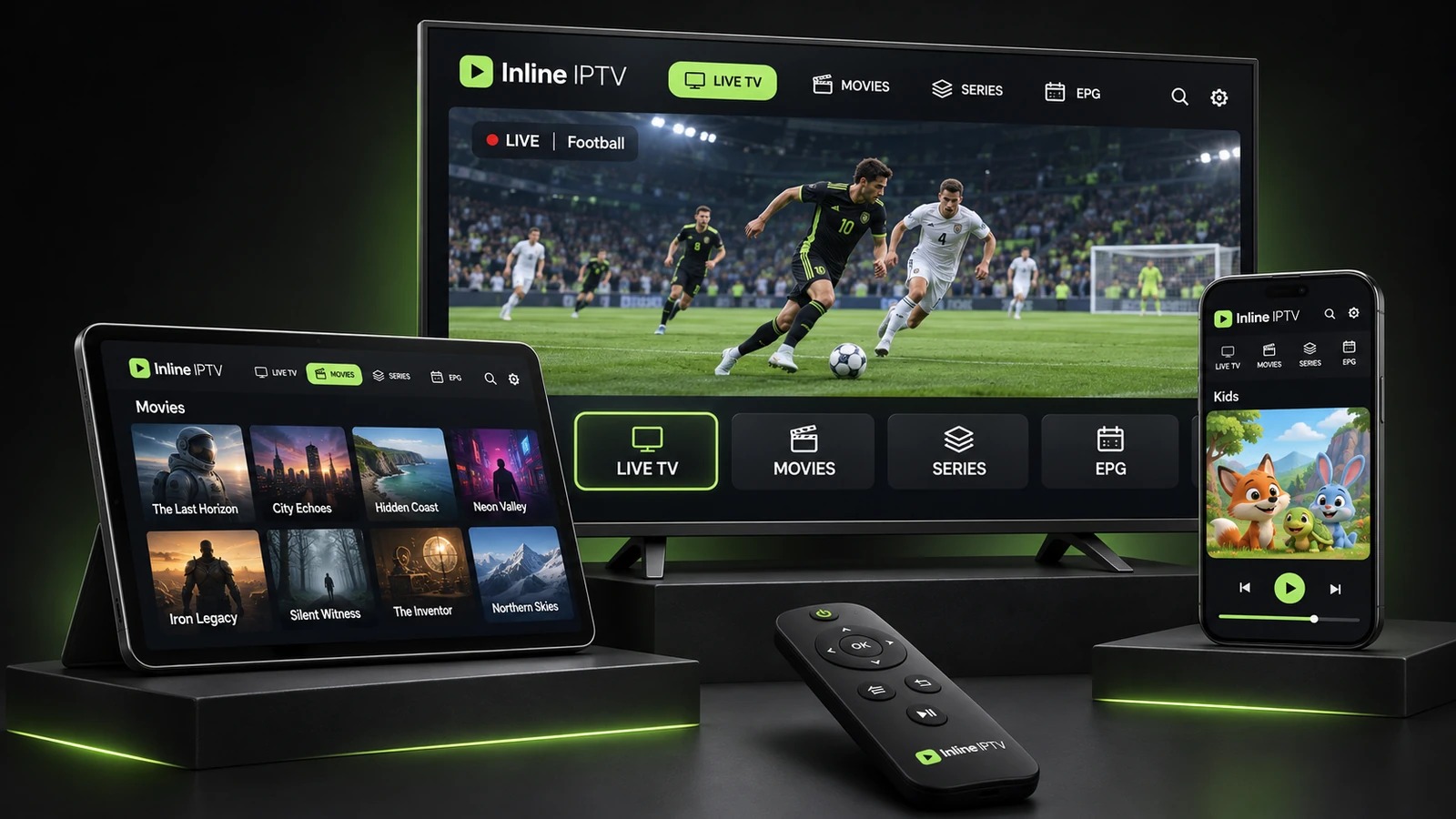
IPTV vs cable is one of the biggest questions for anyone paying a high monthly TV bill. Cable and satellite TV have been the standard for decades, but more and more households now watch live TV over the internet instead. This honest comparison looks at cost, channels, picture quality, devices, contracts and reliability, so you can decide which is right for your home. We also explain where cable still has the edge.
What Is the Difference Between IPTV and Cable?
Cable TV sends channels through a coaxial cable network owned by the cable company, into a set-top box that it rents to you. Satellite TV works in a similar way, but the signal comes from a dish on your home.
IPTV (Internet Protocol Television) delivers the same kind of live channels over your normal internet connection. Instead of a rented box, you watch through an app on a Smart TV, Firestick, phone, computer or a dedicated IPTV box. You can read more about the technology on Wikipedia’s IPTV page.
In simple words, the IPTV vs cable difference is this: cable needs the cable company’s network and equipment, while IPTV only needs your internet connection and a device you probably already own.
IPTV vs Cable at a Glance
| IPTV | Cable / satellite | |
|---|---|---|
| How it is delivered | Over your internet connection | Coaxial cable or satellite dish |
| Monthly cost | Usually lower | Usually higher, plus box rental and fees |
| Contract | Often none – pay for 3, 6 or 12 months | Often 12–24 month contracts |
| Equipment | Devices you already own | Rented set-top box, dish or installation |
| Watch on | TV, phone, tablet, computer | Mainly the TV with the box |
| Picture quality | HD and 4K, depends on your internet | HD and some 4K, very consistent |
| Works during internet outages | No | Yes (cable TV signal is separate) |
| Movies and series on demand | Usually included | Often extra packages |
IPTV vs Cable Cost: Is IPTV Cheaper?
For most households, yes. In any IPTV vs cable cost comparison, remember that cable and satellite bills are made up of more than the package price. Common extras include:
- set-top box rental for each TV
- installation or activation fees
- regional sports or broadcast fees
- premium channel add-ons for sports and movies
- price rises after an introductory offer ends
With IPTV, you usually pay one clear price for a period. Inline IPTV, for example, costs from about $7.50 a month on a 12-month plan for one device, with 3- and 6-month options and plans for 2 or 3 devices. There is no box to rent and no installation. You can see every price on our IPTV subscription plans page.
Remember to count the cost of your internet connection. Most homes already pay for broadband, so IPTV does not add a new bill – but you need enough speed, which we cover below.
IPTV vs Cable: Channels and Content
Cable packages are organised in tiers: a basic package, then extra bundles for sports, movies or international channels. You often pay for many channels you never watch to get the few you want.
IPTV services usually include live channels, movies and series in one subscription, with a program guide (EPG) that shows what is on now and next. Content and channel line-ups vary by provider and can change over time, so check what matters to you before you commit. The easiest way is a free trial: with an Inline IPTV free 24-hour trial you can check your favourite channels on your own TV first.
Picture Quality: IPTV vs Cable
Cable delivers a very consistent picture because it runs on a dedicated network. Quality is usually HD, with 4K limited to certain channels and boxes.
IPTV can match or beat cable on picture quality – HD and Full HD are standard, and selected channels and films are available in 4K. The catch is that quality depends on your internet connection and home network. As a guide, plan for about 10 Mbps per HD stream and 25 Mbps per 4K stream. With a decent broadband connection and a wired or 5 GHz Wi-Fi link to the TV, IPTV looks excellent.
IPTV vs Cable: Devices and Flexibility
This is where IPTV clearly wins the IPTV vs cable contest. Cable is tied to the box under your TV. IPTV works on almost anything with a screen and an internet connection:
- Samsung and LG Smart TVs
- Amazon Firestick, Fire TV, Google TV and Android TV boxes
- iPhone, iPad, Apple TV and Android phones
- Windows and Mac computers
- MAG and Formuler IPTV boxes
You can watch in the bedroom, the kitchen or on holiday without extra boxes, within the number of devices in your plan. Our IPTV setup guide shows how to set up each one in a few minutes.
IPTV vs Cable for Sports, Movies and Live Events
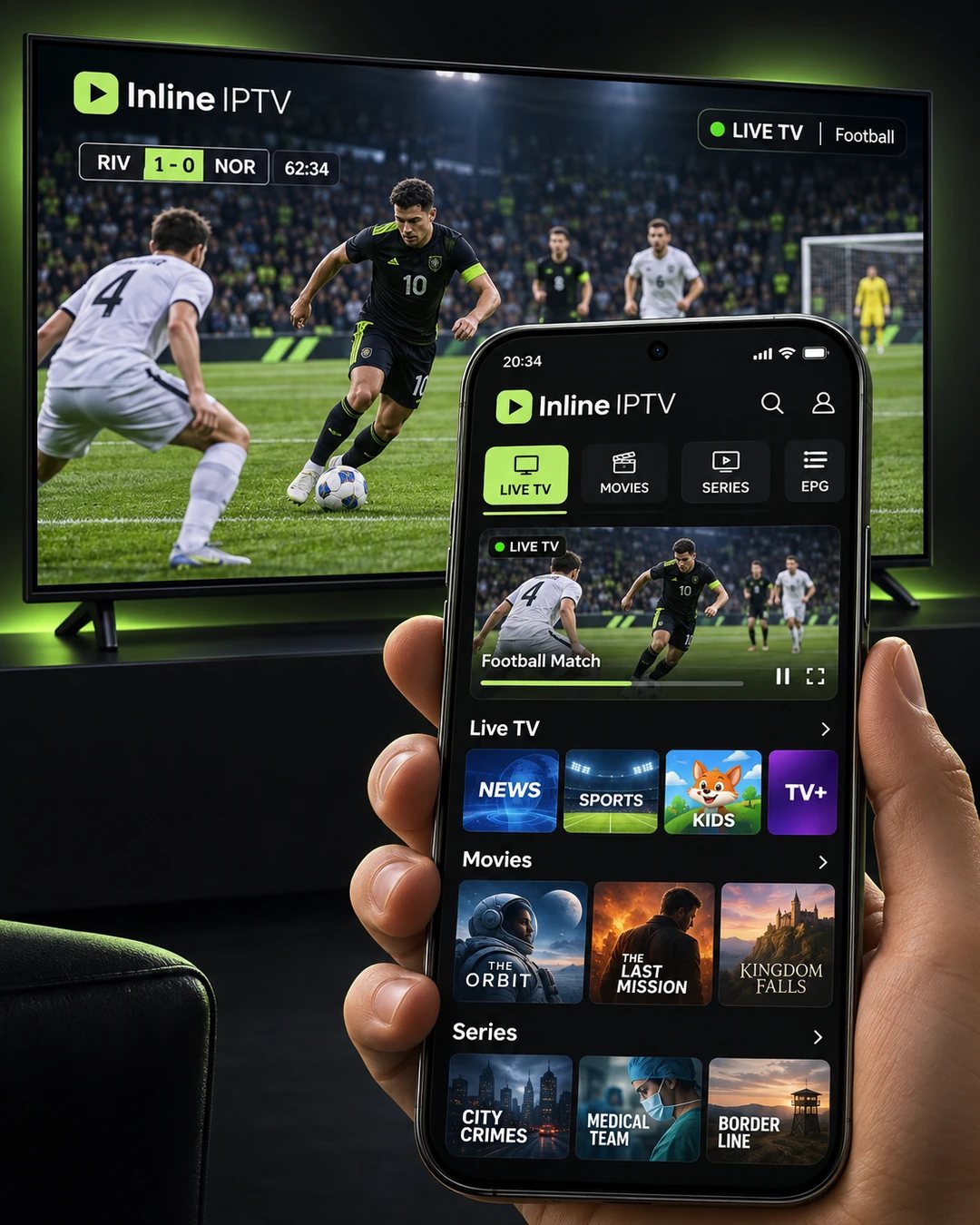
Live sport is often the main reason people keep cable, so it deserves a closer look in any IPTV vs cable decision. Many cable and satellite providers sell sport as an expensive add-on, and some events are split across several channels or services. IPTV subscriptions usually include sports channels in the same package as everything else, with HD and selected 4K streams.
For live events, the quality of your connection matters most. Big matches attract huge audiences at the same moment, so a wired connection to the TV is worth the effort. Test a big game during a free trial before you cancel anything.
For movies and series, IPTV services typically include an on-demand library, so you can start a film or binge a box set from the same app as your live channels. With cable, on-demand content is often limited to your package or rented title by title.
Watching Away From Home
Cable TV stays in your living room. With IPTV, the same login works on your phone, tablet or laptop, so you can follow a match on a train or keep the kids entertained in a hotel – within the number of devices in your plan and the rules of the country you are in. You just need a good internet connection wherever you are. This flexibility is one of the main reasons families switch from cable to IPTV.
Contracts and Commitment
Contracts are a big part of the IPTV vs cable decision. Many cable and satellite deals need a 12- or 24-month contract, with early cancellation fees if you leave. Prices often rise when the first year ends.
IPTV services usually work on prepaid periods instead. With Inline IPTV you choose 3, 6 or 12 months and there is no automatic renewal – you decide whether to continue when your plan ends. Read our refund policy and terms for the details.
Reliability: Where Cable Still Wins
An honest IPTV vs cable comparison has to mention the downsides of IPTV:
- It needs your internet. If your broadband goes down, IPTV stops. Cable TV can keep working during an internet outage.
- Your network matters. Weak Wi-Fi or a busy connection can cause buffering. Our IPTV buffering fix guide explains how to avoid it.
- Setup is a little more hands-on. You install an app and enter a login instead of having an engineer install a box – although most people finish in under ten minutes.
- Provider quality varies. Choose a provider with real support and a free trial, so you can test before you pay.
For homes with a stable broadband connection, these points are easy to manage, and the IPTV vs cable choice usually favours IPTV. For homes with very slow or unreliable internet, cable or satellite may still be the better choice.
IPTV vs Cable Setup: How Hard Is It to Switch?
Switching is simpler than most people expect:
- Check your internet speed on the TV device (about 10 Mbps for HD).
- Choose a device: your Smart TV, a Firestick or an IPTV box.
- Install a player app such as IPTV Smarters or TiviMate, or set up a MAG box portal.
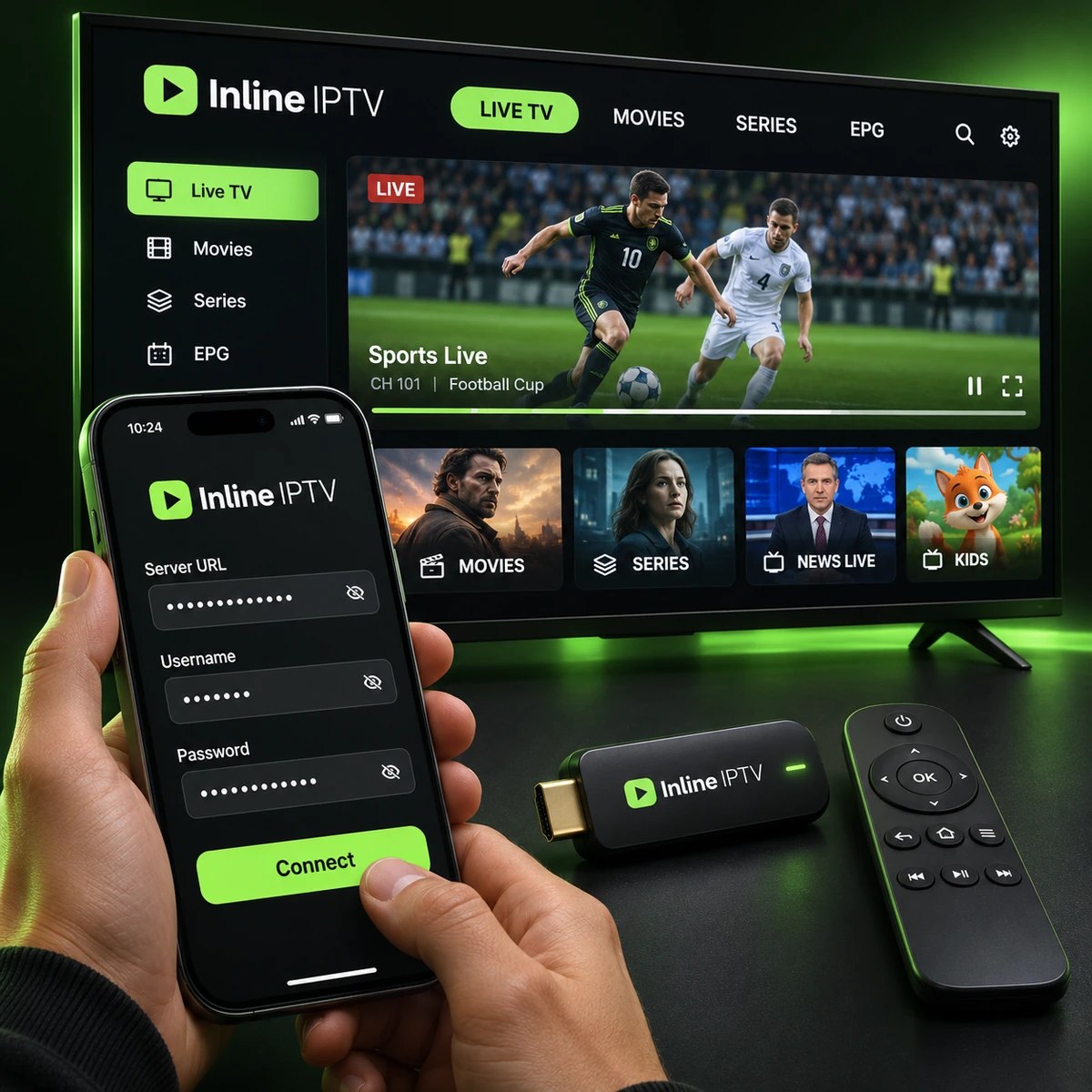
- Enter the login details from your IPTV provider.
- Test everything during a free trial before you cancel cable.
We recommend keeping your cable service until you have tested IPTV at your busiest viewing times, such as a big match on a weekend evening. Then cancel cable when your contract allows, and the IPTV vs cable switch is complete.
Hidden Costs to Check Before You Switch
To compare fairly, add up everything you pay today and everything you would pay with IPTV. On the cable side, look at your last bill for box rental, fees and add-ons. On the IPTV side, check:
- Your broadband speed – if it is very slow, you may need a faster package.
- A streaming device – only if your TV is not smart; a Firestick or Google TV stick is a one-time purchase.
- Player app fees – most players are free, and a few offer optional paid upgrades.
- Multi-room viewing – choose a plan with enough devices for the screens that will watch at the same time.
For most households, even after these costs, the yearly IPTV vs cable total is lower with IPTV. Doing the sums before you switch means there are no surprises later.
IPTV vs Cable: Which Should You Choose?
Choose IPTV if:
- you have stable broadband with enough speed
- you want a lower monthly cost without long contracts
- you watch on several devices or away from home
- you want live TV, movies and series in one place
Stick with cable if:
- your internet is slow or often drops
- you need TV to work even when the internet is down
- you prefer an engineer to install and maintain everything
Try IPTV Without Risk
The best way to settle the IPTV vs cable question for your home is to try it. Request a free 24-hour IPTV trial from Inline IPTV – no card needed – and watch on your own TV, at your own busiest time. If it works for you, choose a plan from our IPTV subscription plans and keep the savings. If you need help, our team answers on WhatsApp and Telegram every day.
IPTV vs Cable FAQ
Is IPTV better than cable?
For many homes, yes – it is usually cheaper, more flexible and works on more devices. Cable is still more reliable during internet outages and on slow connections.
Do I need fast internet for IPTV?
You need about 10 Mbps per HD stream and 25 Mbps per 4K stream, plus a stable connection to the TV. Ethernet or 5 GHz Wi-Fi gives the best results.
Can I keep my local channels with IPTV?
It depends on the provider and your region. Check the channel list during a free trial before you cancel cable.
Does IPTV need a special box?
No. Most people use a Smart TV app, a Firestick or their phone. Dedicated boxes like MAG are optional.
Will IPTV work on my old TV?
Yes, if the TV has an HDMI port. Plug in a Firestick, Google TV stick or MAG box and you have IPTV on any television.
How do I cancel cable and move to IPTV?
Test IPTV first with a free trial, check your cable contract end date, then cancel cable when you are happy. Contact us through our contact page if you want help planning the switch.