

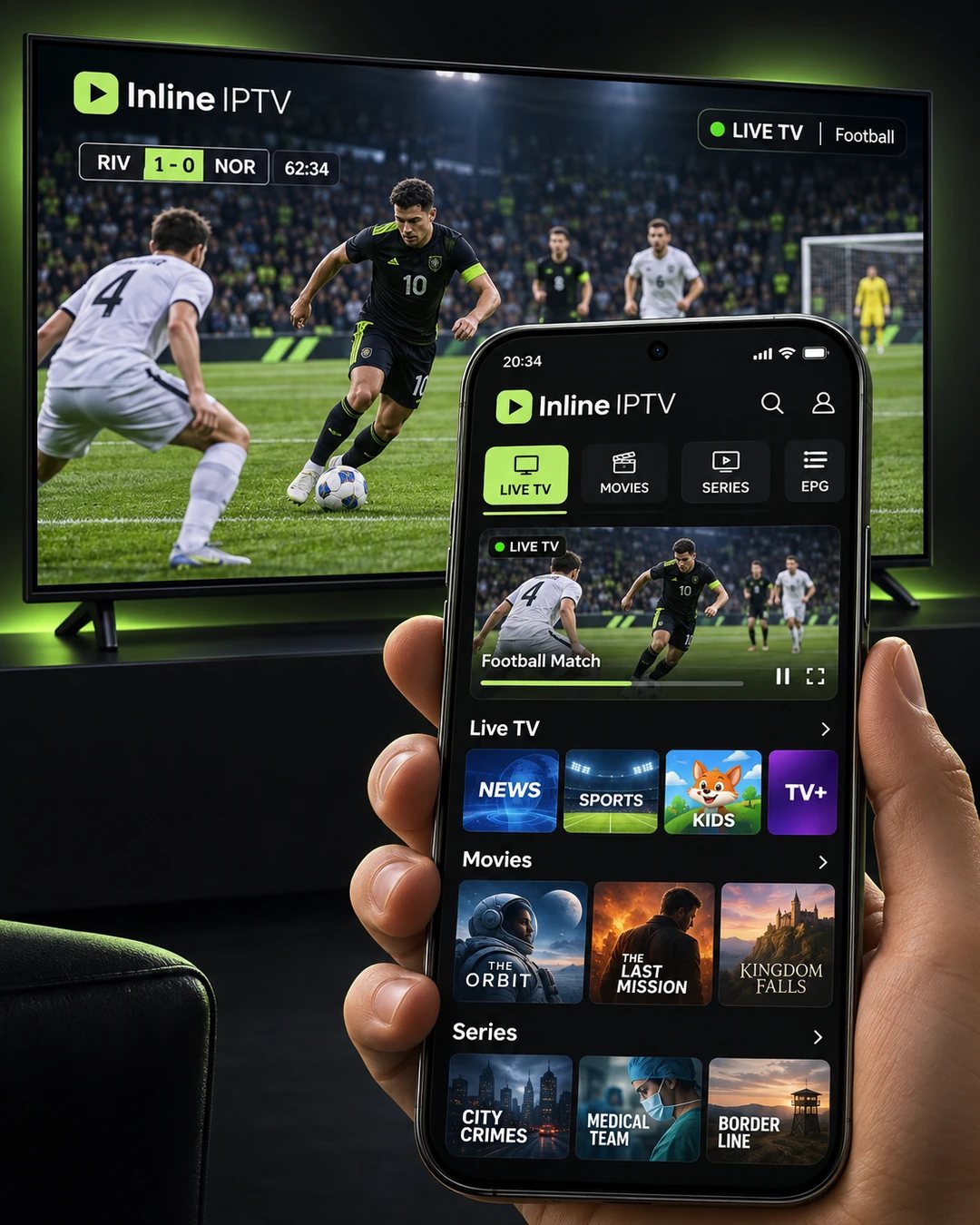
Live sport is where streaming TV is tested hardest, and it is the reason many people look at IPTV for sports in the first place. Millions of people watch the same match at the same moment, every second counts and nobody wants the picture to freeze just before a goal. This guide explains how to get the best experience with IPTV for sports: the internet speed you need, the best devices and players, settings that reduce delay and buffering, and how to follow several games at once.
Why People Choose IPTV for Sports
- Sport in one place – sports channels sit in the same app as your news, entertainment and films, with a program guide that shows upcoming fixtures.
- HD and 4K picture – many sports channels stream in Full HD, and selected events in 4K.
- Watch anywhere – follow the game on your TV, phone or tablet within the devices in your plan.
- Flexible plans – pay for 3, 6 or 12 months instead of a long contract with expensive sports add-ons.
Always make sure the service and content you watch are permitted where you live. Sports rights differ between countries, and the channel line-up of any service can change over time.
What You Need for IPTV for Sports
| Item | Minimum | Best for live sport |
|---|---|---|
| Internet speed per screen | about 10 Mbps (HD) | about 25 Mbps (4K) with headroom |
| Connection to TV | 5 GHz Wi-Fi | Ethernet cable |
| Device | Firestick or Smart TV | Fire TV Stick 4K Max, NVIDIA Shield, Apple TV 4K |
| Player | Any IPTV player | TiviMate or a player with multi-view |
Check what your TV device really gets with a free test at Speedtest. For big matches, aim for more speed than the minimum – it is the most important part of any IPTV for sports setup. Other people in your home may be streaming or gaming at the same time, and peak-time traffic is heavy across the whole internet.
Best Devices for IPTV for Sports
Android TV boxes and NVIDIA Shield
Powerful Android TV devices run TiviMate smoothly, switch channels quickly and have Ethernet ports. They are a favourite with sports fans. Read our Android TV box guide.
Firestick 4K Max
Affordable and fast enough for HD and 4K sport, especially with an Ethernet adapter and the right Firestick settings.
Apple TV 4K
Very smooth playback and excellent frame-rate matching for fast motion. See our Apple TV IPTV guide.
Smart TVs
Convenient, but built-in TV processors are often slower. If your Smart TV app struggles during live sport, a streaming stick usually performs better.
Best Players for IPTV for Sports
- TiviMate – fast channel switching and a clear guide. Premium adds multi-view, catch-up and recording. See our TiviMate guide.
- IPTV Smarters – works on almost every device, with a catch-up section on supported channels. See our IPTV Smarters guide.
- Players with multi-screen – some apps let you watch two to four channels at once, which is perfect for busy match days.
Compare more options in our best IPTV player apps guide.
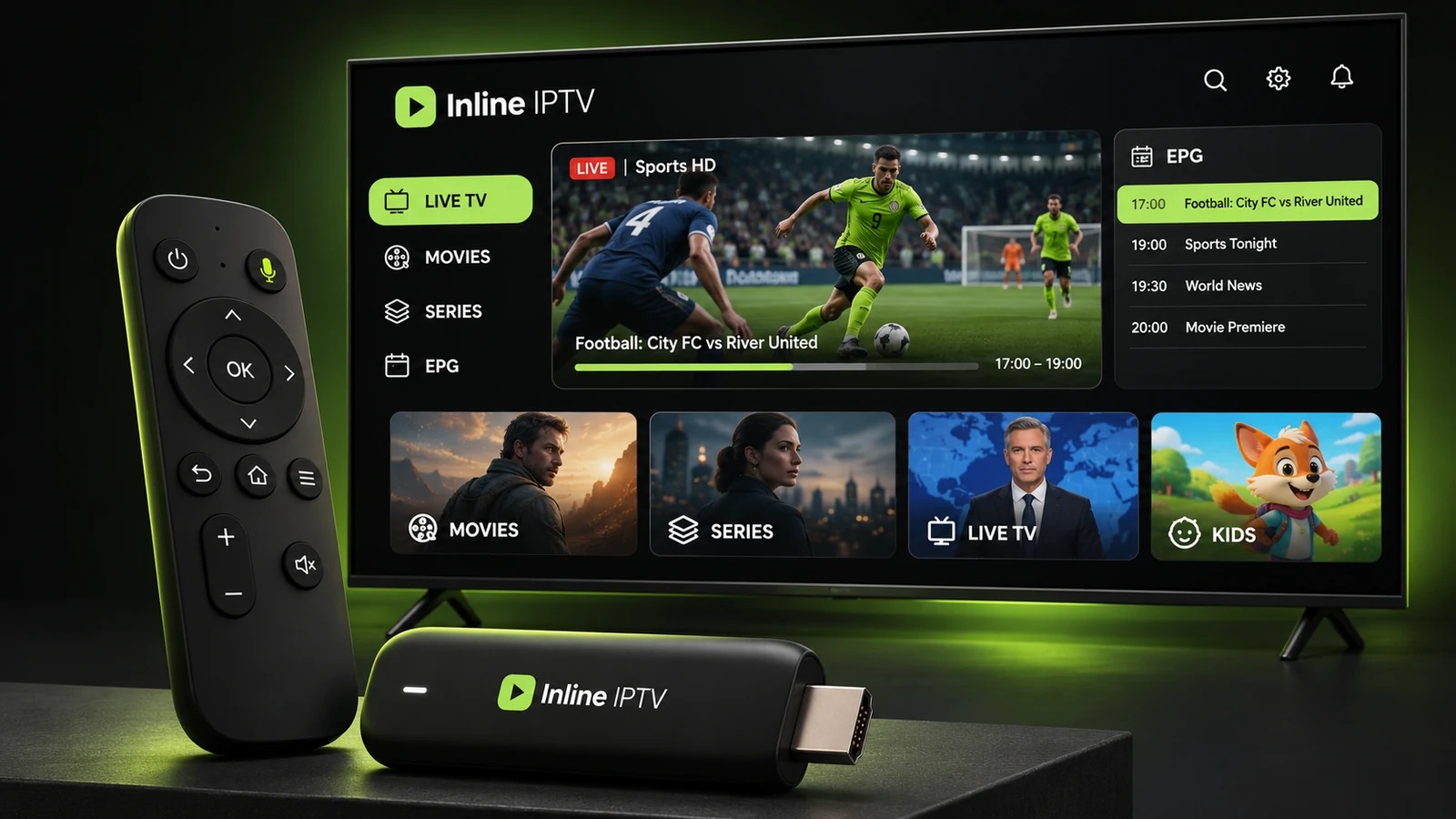
How to Set Up IPTV for Sports Step by Step
- Connect by Ethernet. A cable is the most important upgrade for live sport.
- Install a fast player such as TiviMate or IPTV Smarters from your device’s official app store.
- Log in with Xtream Codes so the guide, channels and catch-up load automatically. Our M3U vs Xtream Codes guide explains why.
- Create a Sports favourites group with the channels you watch most.
- Set your time zone so kick-off times in the guide are correct.
- Raise the buffer to Medium or Large in the player settings.
- Test before the big game. Watch a live event at a busy time during a free trial.
IPTV for Sports: Reducing Buffering During Big Matches
Peak demand during big events is the moment buffering is most likely. These steps make the biggest difference:
- Pause other downloads and game updates in your home.
- Restart your router and device an hour before kick-off.
- Choose HD instead of 4K if your connection is borderline – a smooth HD picture beats a stuttering 4K one.
- Try the other stream format (TS or HLS) if one channel stutters.
- Have a backup channel ready in your favourites.
For a complete list, see our IPTV buffering fix guide.
Why Is IPTV a Few Seconds Behind?
All internet streaming has a small delay compared with traditional broadcast TV, because video is encoded, sent in small pieces and buffered by your player. With IPTV for sports, this delay is usually a few seconds to around half a minute depending on the stream and your player buffer. A larger buffer means fewer interruptions but slightly more delay. If you watch with friends who use a different service, or follow live scores on your phone, you may notice goals a little earlier elsewhere – a good reason to turn off score notifications during the game.
Watching Several Games at Once With IPTV for Sports
On big match days, multi-view is one of the best IPTV for sports features. In TiviMate Premium, open the channel menu and choose multi-view to add up to four channels on screen. Remember that each extra stream uses more bandwidth – four HD streams need roughly 40 Mbps – and each may count towards the number of connections your plan allows. Check with your provider before you rely on multi-view.
Using the TV Guide to Plan Match Day
The electronic program guide is your best friend when using IPTV for sports. It shows what is on now and next on every sports channel, so you can see which match is on where without searching the web. A few tips:
- Browse ahead – move forward in the guide to see the weekend’s fixtures and set reminders in players that support them.
- Use search – many players let you search the guide for a team or competition name.
- Keep the guide fresh – update the EPG daily so last-minute schedule changes appear.
If the guide is empty or shows the wrong times, read our EPG guide.
Sound and Picture Settings for Sport
Fast motion shows up every weakness in your setup, so a few settings make IPTV for sports look noticeably better:
- Turn on frame-rate matching on your streaming device so 50 fps and 60 fps sport plays smoothly.
- Use your TV’s sports picture mode or reduce heavy motion smoothing if players look blurry.
- Choose surround sound where the channel offers it, for a stadium feel with a soundbar.
- Turn off energy-saving modes on the TV that dim the picture during bright stadium scenes.
Watching Sports on the Go
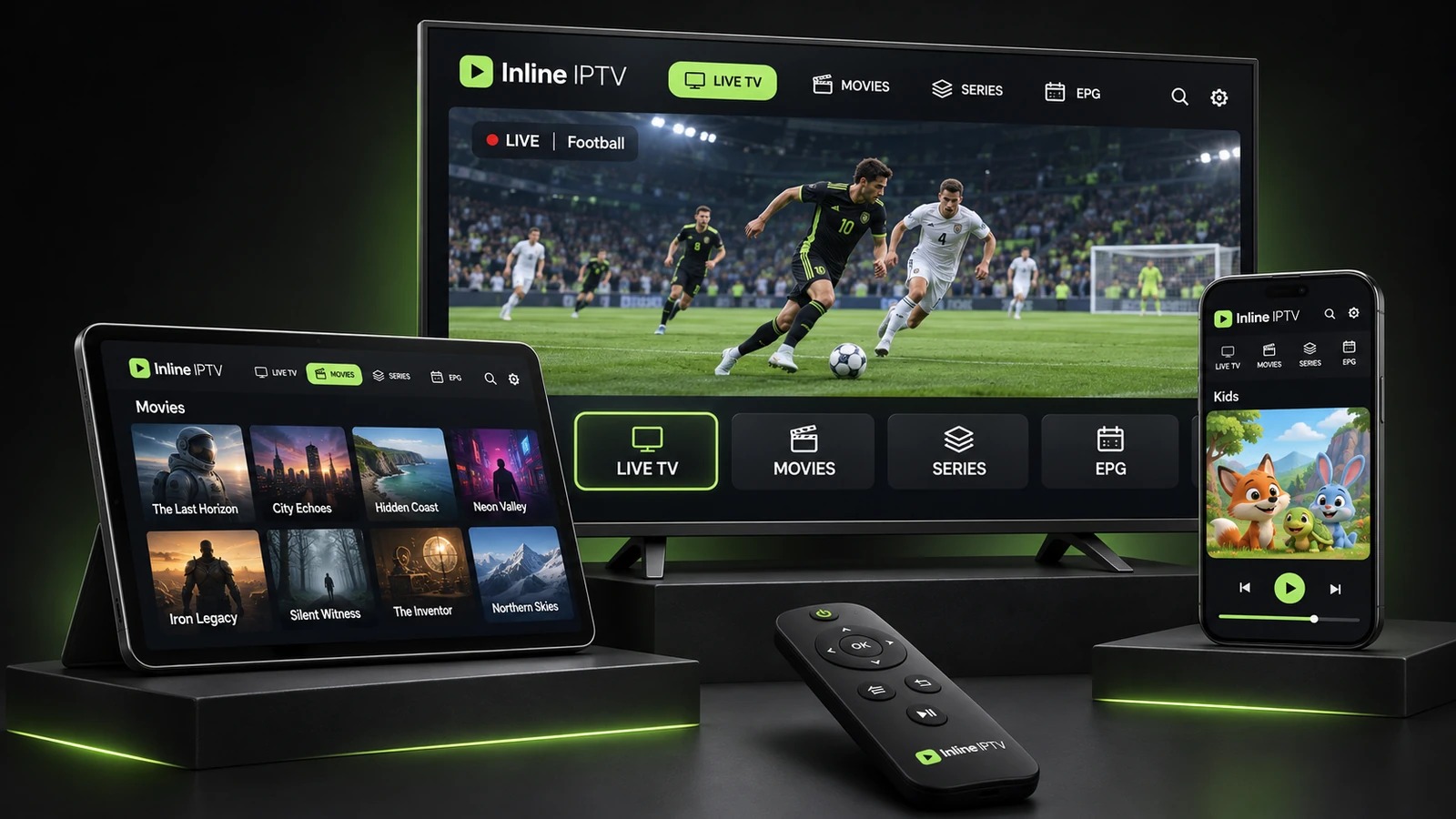
With the same login on your phone or tablet, you can follow a match from the train or another room, within the number of screens in your plan. Use Wi-Fi where possible, as HD sport uses a lot of mobile data, and lower the quality on mobile networks. When you travel abroad, remember that local rules on content can differ.
Catch-Up and Start-Over for Sports
Joined late or missed the second half? On channels that support it, catch-up lets you go back to kick-off from the TV guide. Our catch-up TV guide explains how it works in each player.
Watch Sport With Inline IPTV
Inline IPTV includes sports channels together with entertainment, news, movies and series, with a full program guide and HD and 4K streams where available. Plans run for 3, 6 or 12 months on 1, 2 or 3 devices, from about $7.50 a month on the 12-month plan – see our IPTV subscription plans.
The best way to judge IPTV for sports is during a real match. Request a free 24-hour IPTV trial, check the sports channels you care about and watch a live game at peak time. Our IPTV setup guide covers every device, and our team is on WhatsApp and Telegram every day.
IPTV for Sports FAQ
What internet speed do I need for sports on IPTV?
About 10 Mbps per HD stream and 25 Mbps per 4K stream, with extra headroom for other devices in your home.
Which device is best for live sport?
A powerful device with Ethernet, such as an NVIDIA Shield, Fire TV Stick 4K Max with an adapter or Apple TV 4K.
Why does my stream buffer only during big matches?
Peak-time demand is highest during big events. Use Ethernet, pause other downloads and choose HD if your connection is limited.
Is IPTV delayed compared with TV?
Yes, by a few seconds to around half a minute, depending on the stream and your player’s buffer.
Can I watch two matches at the same time?
Yes, with a player that supports multi-view, enough bandwidth and a plan that allows the extra connections.
Which sports channels are included?
Channel line-ups can change, so check the sports channels you want during a free trial, or ask us through our contact page.